
 Офис
Офис
 Windows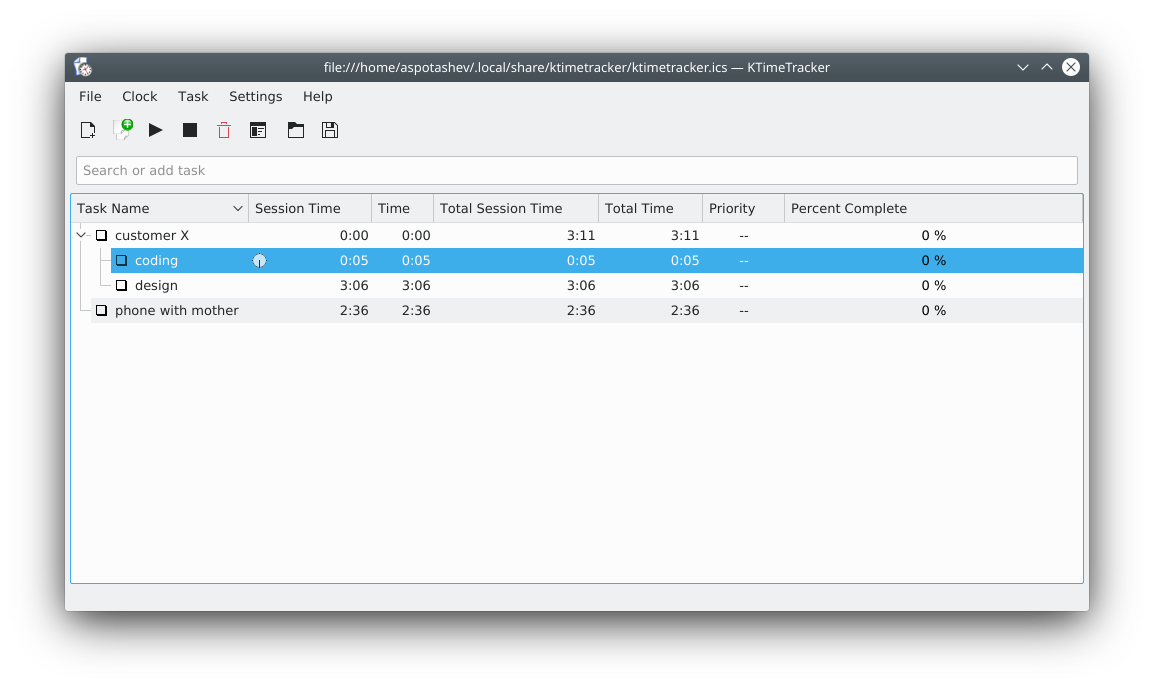
KTimeTracker helps you track your personal time spent on various tasks and projects.
It is useful for tracking billable hours and can report the hours logged by task and day.
With KTimeTracker, you can organize a broken-down project as subtasks with unlimited nesting. The standard keyboard and mouse shortcuts are simple and make the tool really comfortable and intuitive to use.


Releases RSS
5.0.1 2019-12-21
Nightly installers
KTimeTracker nightly installers are also available to download from the KDE CDN. These versions are intended for testing purpose. Get involved and help us make them better!
Unstable version.
Generated from the latest version of the development branch.
- Flatpak
Download the flatpakref file and open it with your software center for installation or run the following in a terminal:
flatpak install --user --or-update https://cdn.kde.org/flatpak/ktimetracker-nightly/org.kde.ktimetracker.flatpakref - Windows