
Kdenlive
Kategoriak: Multimedia
Beste plataforma batzuk:
Multimedia
Beste plataforma batzuk:  macOS
|
macOS
|
 Windows
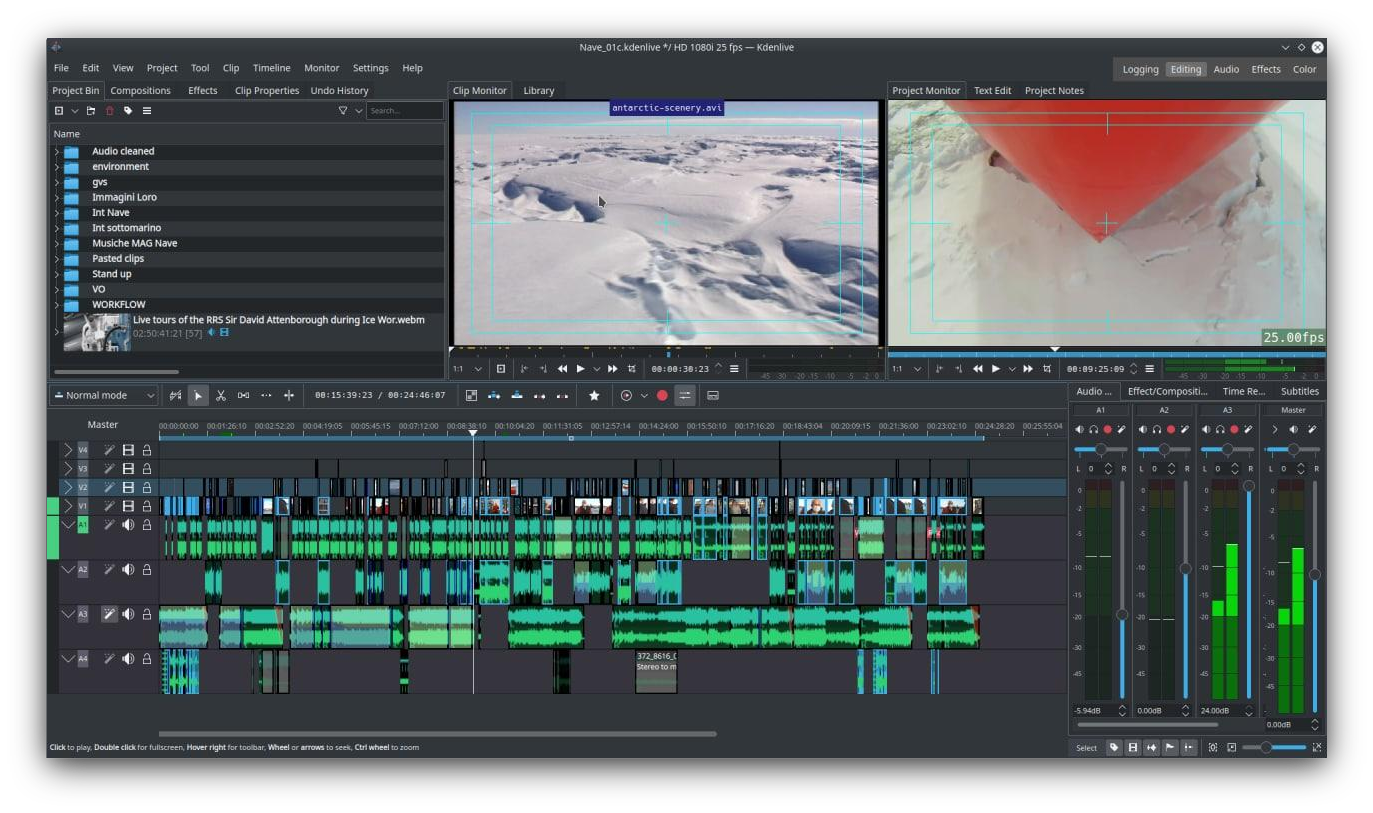 Gai iluna
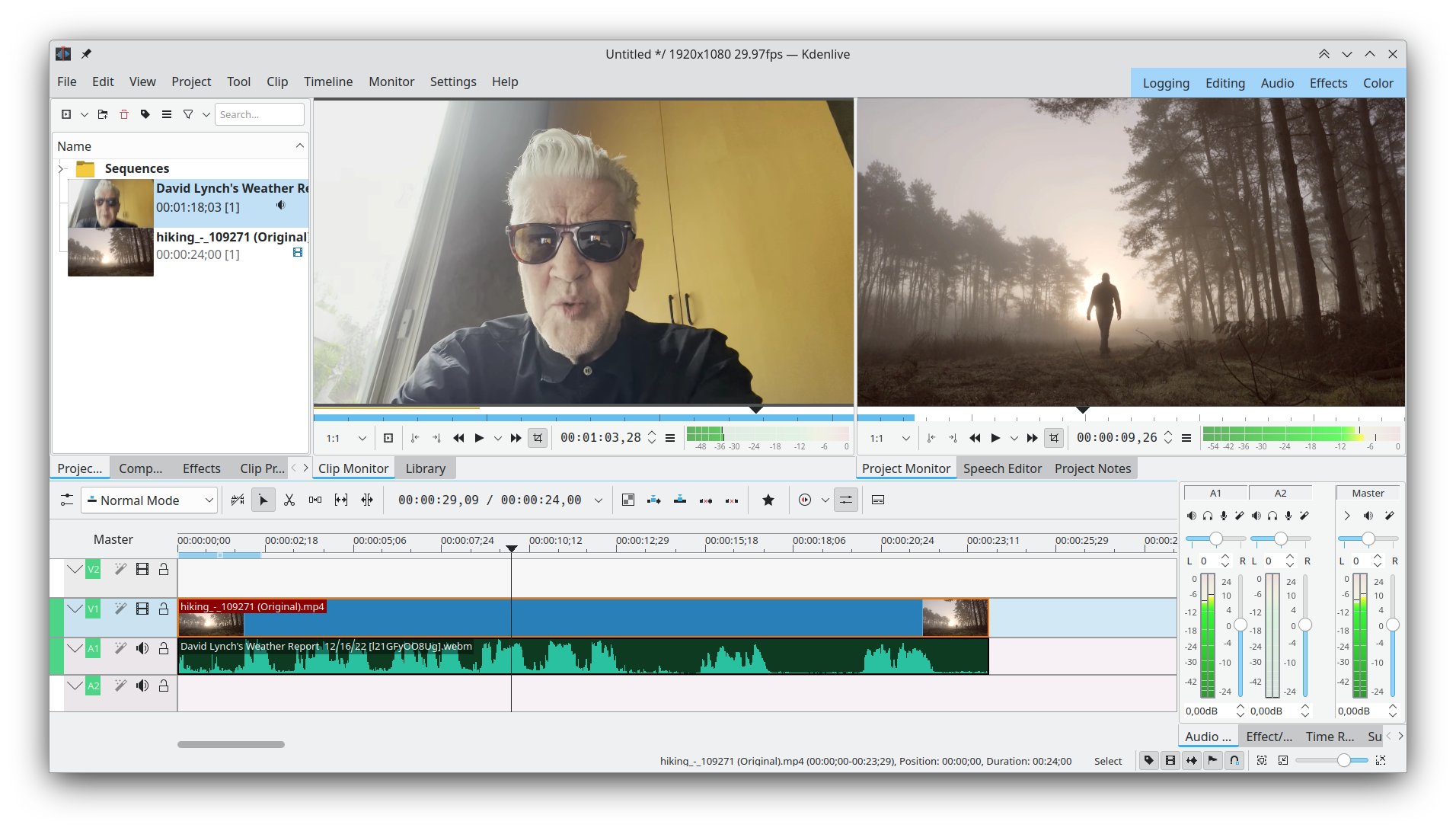 Interfaze lehenetsia
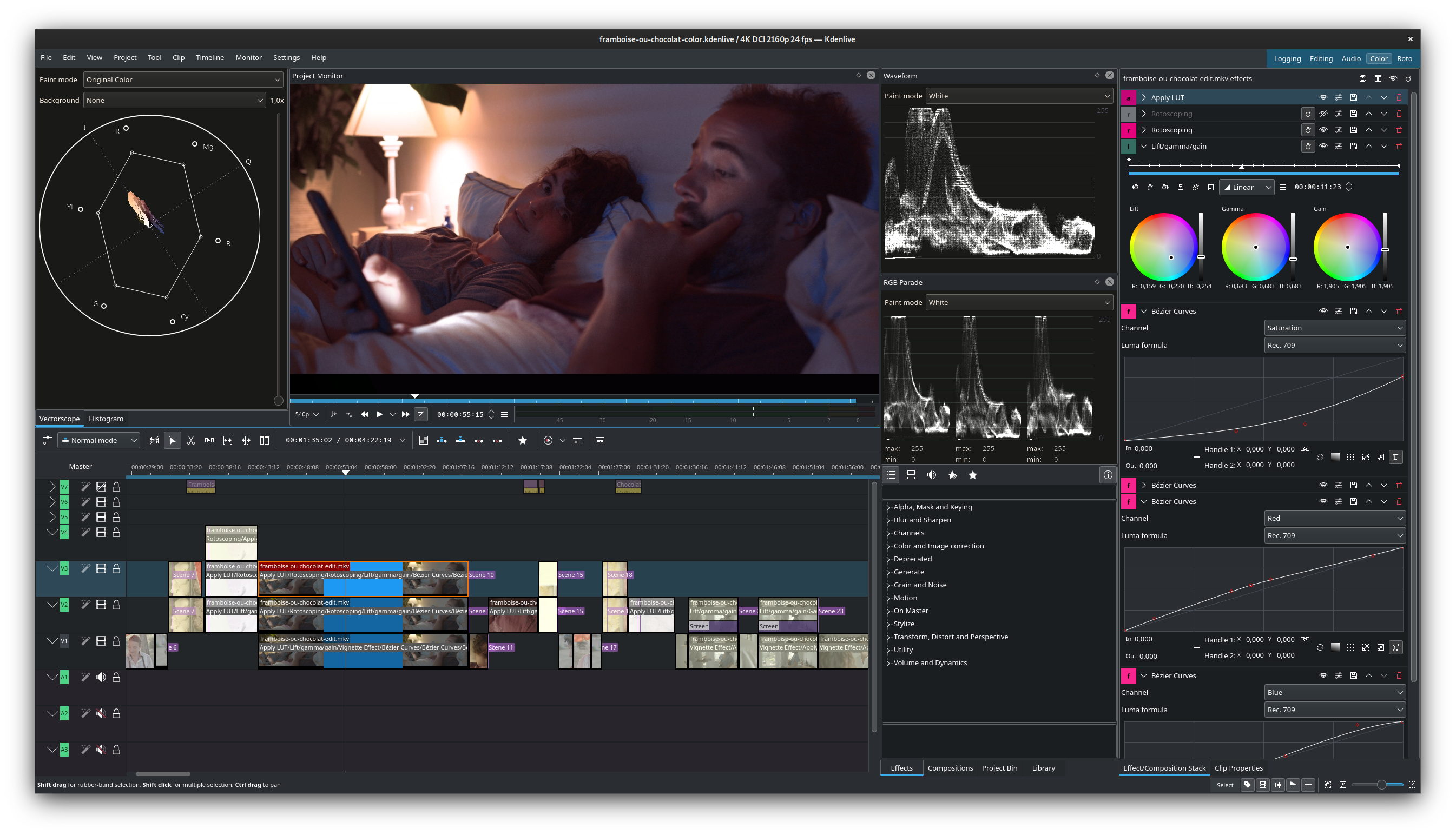 Kolore zuzenketa
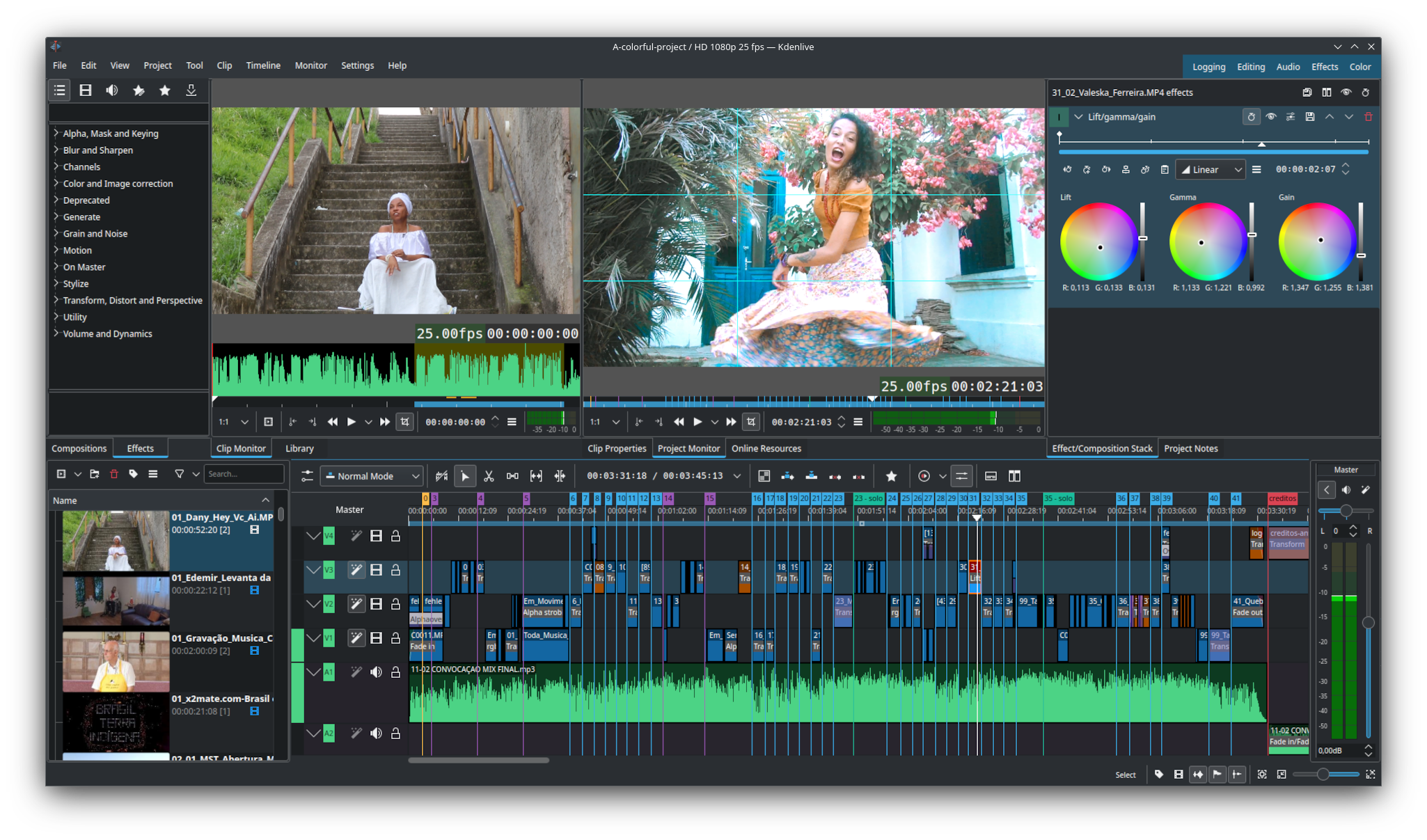 Interfaze konfiguragarria
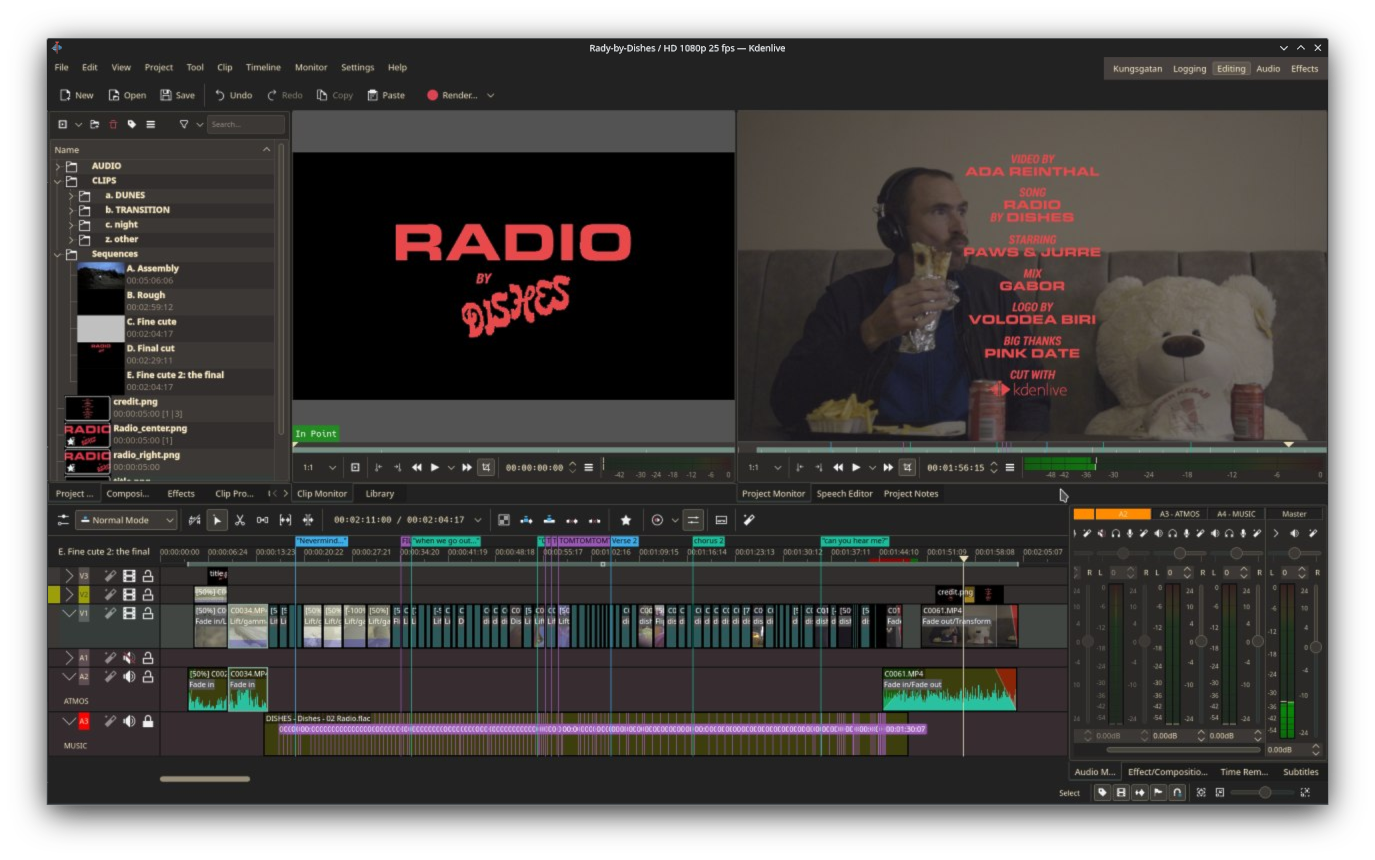 Tituluak ipintzea
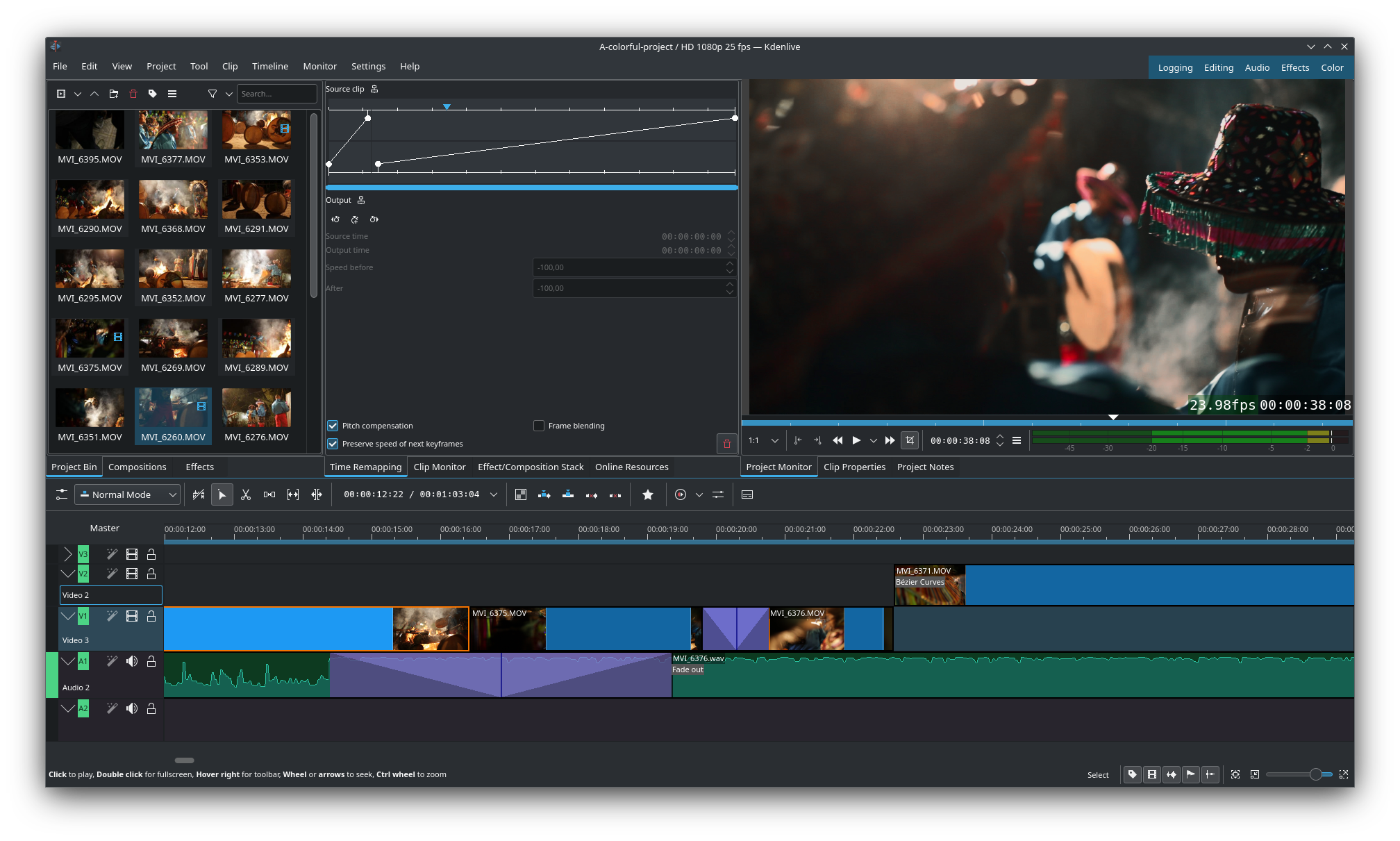 Denboraren mapa berregitea eta pista bereko trantsizioak
Kdenlive, audio- eta bideo-formatu askorako euskarria duen bideoa editatzeko tresna bat da. Edizio-funtzio aurreratuak eskaintzen ditu, efektu eta trantsizio ezberdinak, kolore-zuzenketa, audio post-produkzioa eta azpidatzietarako tresnak. Gainera, aukeratzen duzun ia edozein formatutan errendatzeko malgutasuna ematen du.
Ezaugarriak:
- Habiaratutako sekuentziak
- Interfaze eta lasterbide konfiguragarriak
- Eskopioak: Histograma, Bektoreskopioa, RGB parada, Uhin-forma eta Audio-neurgailua
- Ordezkaria editatzea
- Lerroan doako aktiboak eta txantiloiak
- Higiduraren jarraipena
- AAk bultzatutako tresnak



Argitalpenak RSS
26.08.0 2026-08-20
Mostly a bugfix and usability release, here are some of the improvements
- Timeline: allow moving tracks up and down
- Timeline: auto add range markers at gaps
- Timeline: add insert clip using its embeded timecode
- Timeline: add option to return playhead to start position on stop
- Timeline: add option to duplicate clip
- Timeline: allow moving clip markers with the mouse
- Timeline: add option to copy selection to new sequence (without modifying original)
- Timeline: switch default transition to dissolve now that it correctly handles alpha
- Audio mixer: shift click to listen to multiple selected tracks in solo mode
- Effects: add avfilter.curves, allowing to adjust all channels in one effect
- Effects: improve gradientmap filter, allowing up to 32 stops in the gradient
- Titler: add copy/paste of items
- Titler: add snapping to other objects
- Titler: add rectangles with rounded corners
- Titler: when editing a timeline title, allow saving it as a new bin title to easily modify only this one
24.02.1 2024-03-21
This is the first bugfix release for the 24.02 version. Some of the most noteworthy fixes:
- Fix distorted font in some parts of the UI
- Fix crash editing gradients in titler
- Fix adding a mix to a grouped clip could move existing cut
- Fix moving and deleting a single item in a group
- Fix crash in spacer tool with grouped subtitles
- Fix multiple issues on sequence clips (incorrectly saving changes, subtitles not duplicated)
- Fix multiple issues with subtitles (multiple subtitles tracks not correctly saved or displayed)
Nightly installers
Kdenlive nightly installers are also available to download from the KDE CDN. These versions are intended for testing purpose. Get involved and help us make them better!
Bertsio ezegonkorra.
Garapen adarreko azken bertsiotik sortua.
- Linux (AppImage)
- Flatpak
Download the flatpakref file and open it with your software center for installation or run the following in a terminal:
flatpak install --user --or-update https://cdn.kde.org/flatpak/kdenlive-nightly/org.kde.kdenlive.flatpakref - Windows
- macOS ARM
- macOS Intel