
 משחקים
 macOS
macOS
 Windows
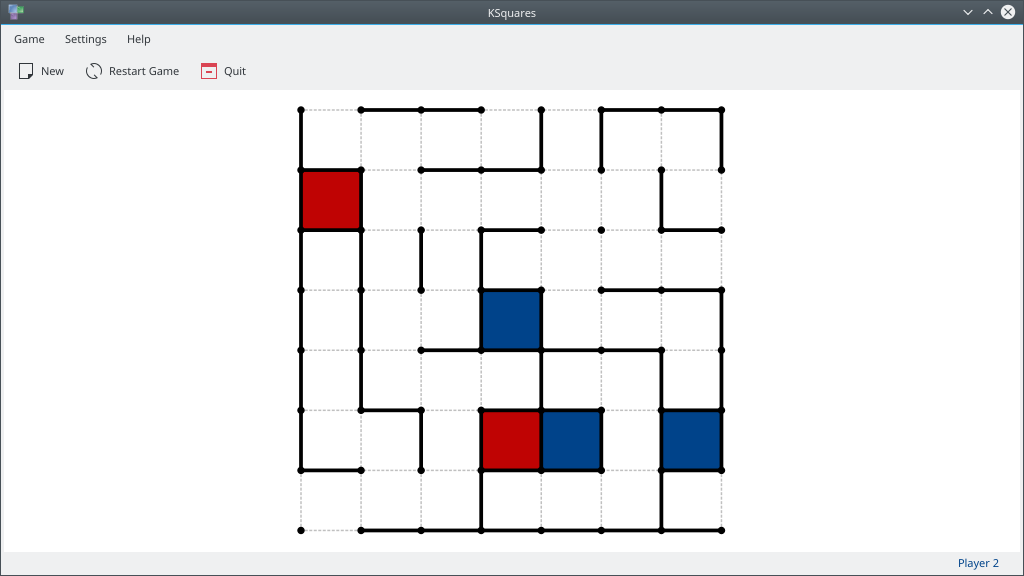 מקום הלוח הטיפוסים ב־KSquares
 הריבועים שהושלמו ב־KSquares
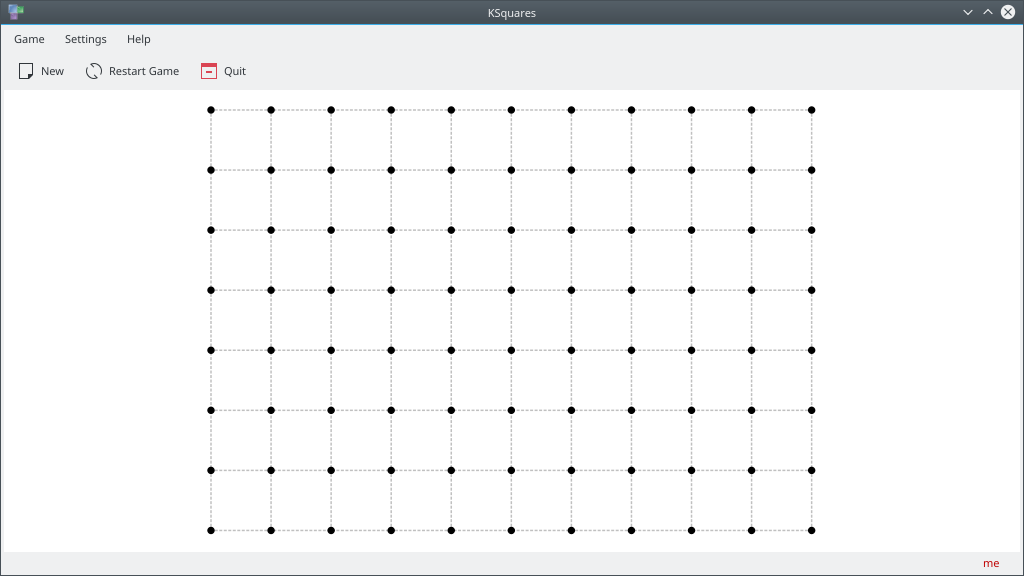 לוח התחלתי ב־KSquares


איך לשחק
Objective: Complete more squares than any of your opponents.
At the start of the game, the game board is empty. There is simply a grid of dots showing where lines can be drawn.
Note: Depending on the game difficulty chosen, the game field may already contain lines at the beginning of the game round.
Each player takes it in turns to draw a line between two adjacent dots on the board. By hovering the mouse over the game board, a yellow indicator line will show you where your line will be placed when you click. Once you have decided where you want to draw your line, click - and the line will be drawn. If by drawing a line, you completed a square then this square now belongs to you and earns you a point. Each time you complete a square, you must draw another line. If your line did not complete a square then the next player(s) take their turn. The game will continue until every square on the board is owned by one of the players.
To start a new game with custom settings (number of players, player names, board size) click on the "New" toolbar item or go to Game->New. To start a new game with the same settings as the current game, click on Reset button on the toolbar.
מהדורות RSS
התקנות ליליות
ההתקנות הליליות של KSquares זמינות להורדה גם משרתי ההפצה של KDE. הגרסאות האלו מיועדות לבדיקה. אפשר להצטרף ולסייע לנו להפוך אותן לטובות יותר!
גרסה מעורערת.
נוצר מהגרסה העדכנית ביותר של ענף הפיתוח.
- Flatpak
Download the flatpakref file and open it with your software center for installation or run the following in a terminal:
flatpak install --user --or-update https://cdn.kde.org/flatpak/ksquares-nightly/org.kde.ksquares.flatpakref - Windows
- macOS על ARM
- macOS על אינטל