
 განათლება
 გრაფიკა
 macOS
macOS
 Windows
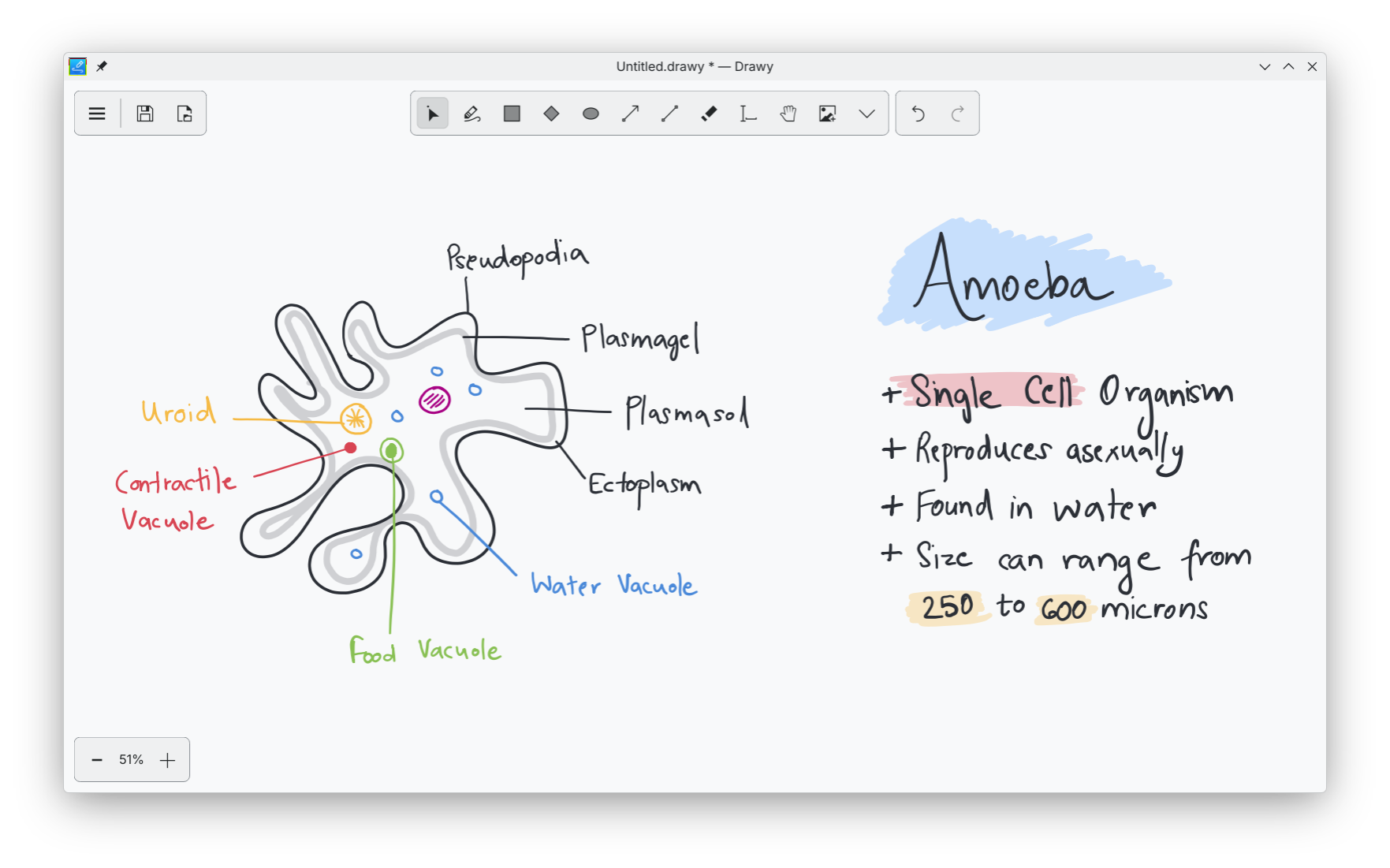 შექმენით დიაგრამები, შენიშვნები და იდეები უსასრულო დაფაზე.
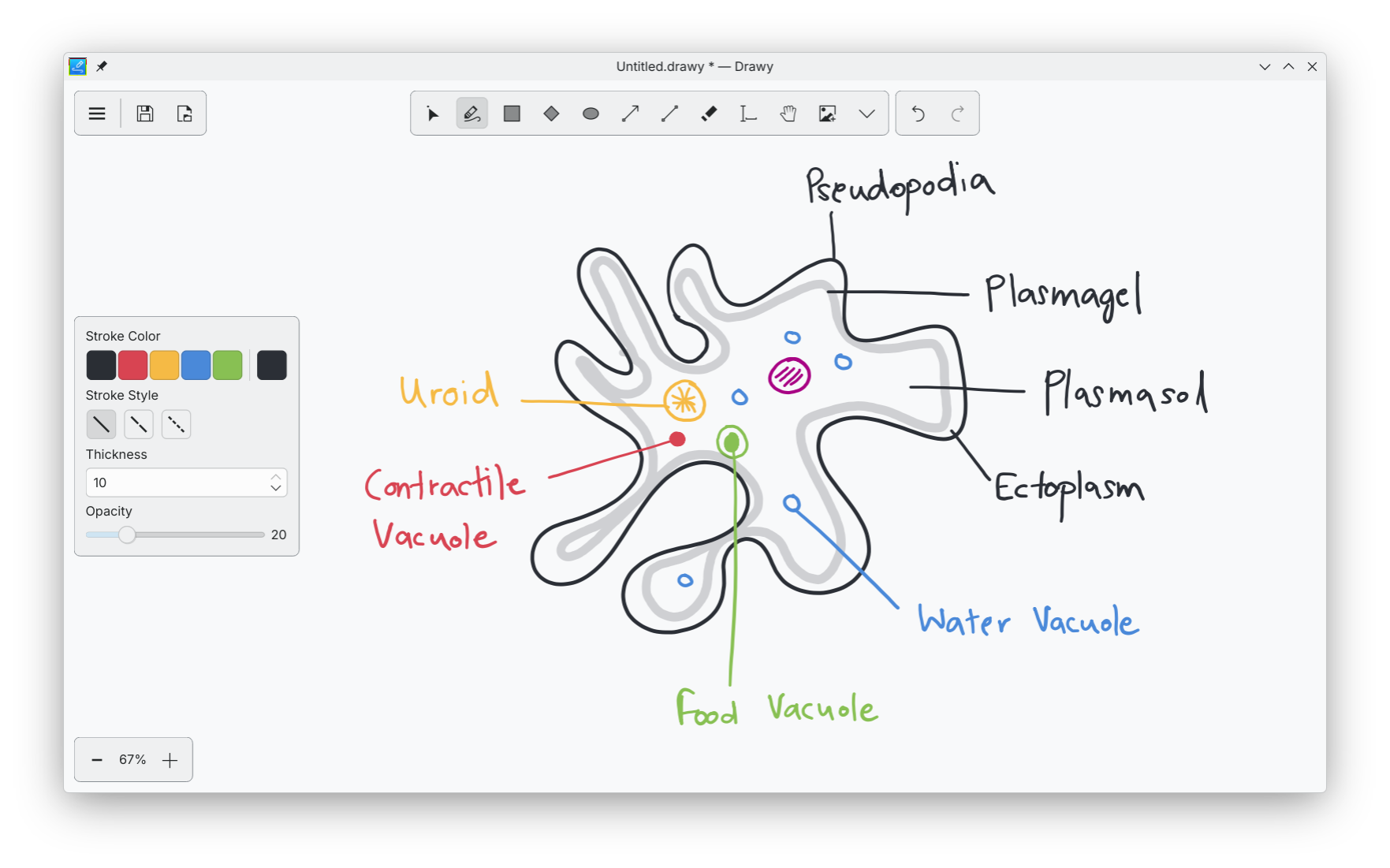 გაასწორეთ მარტივად ფერები, დაშტრიხვის სტილები და ხელსაწყოები.
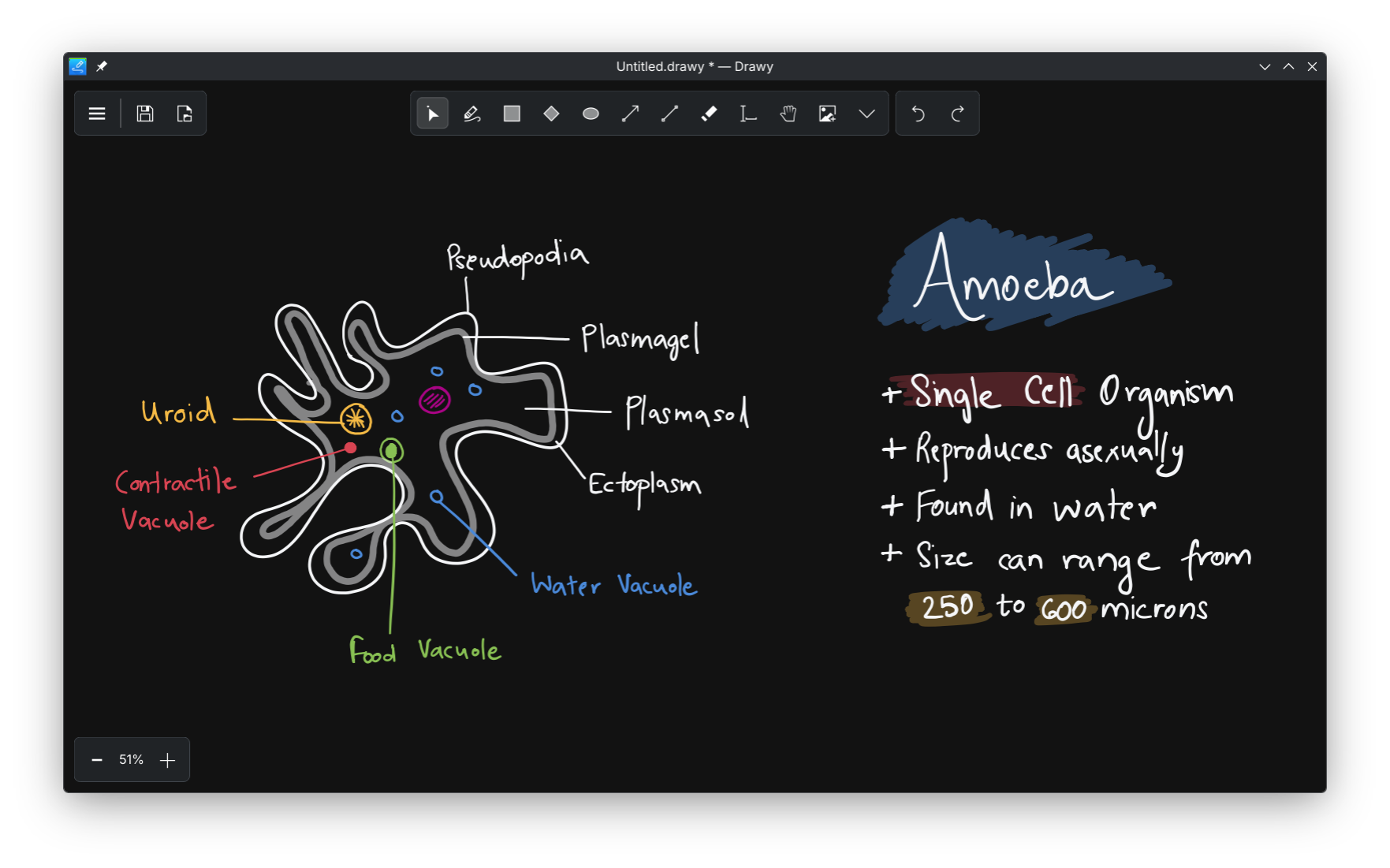 იყავით კონცენტრირებული ბნელი რეჟიმის სამუშაო სივრცით.
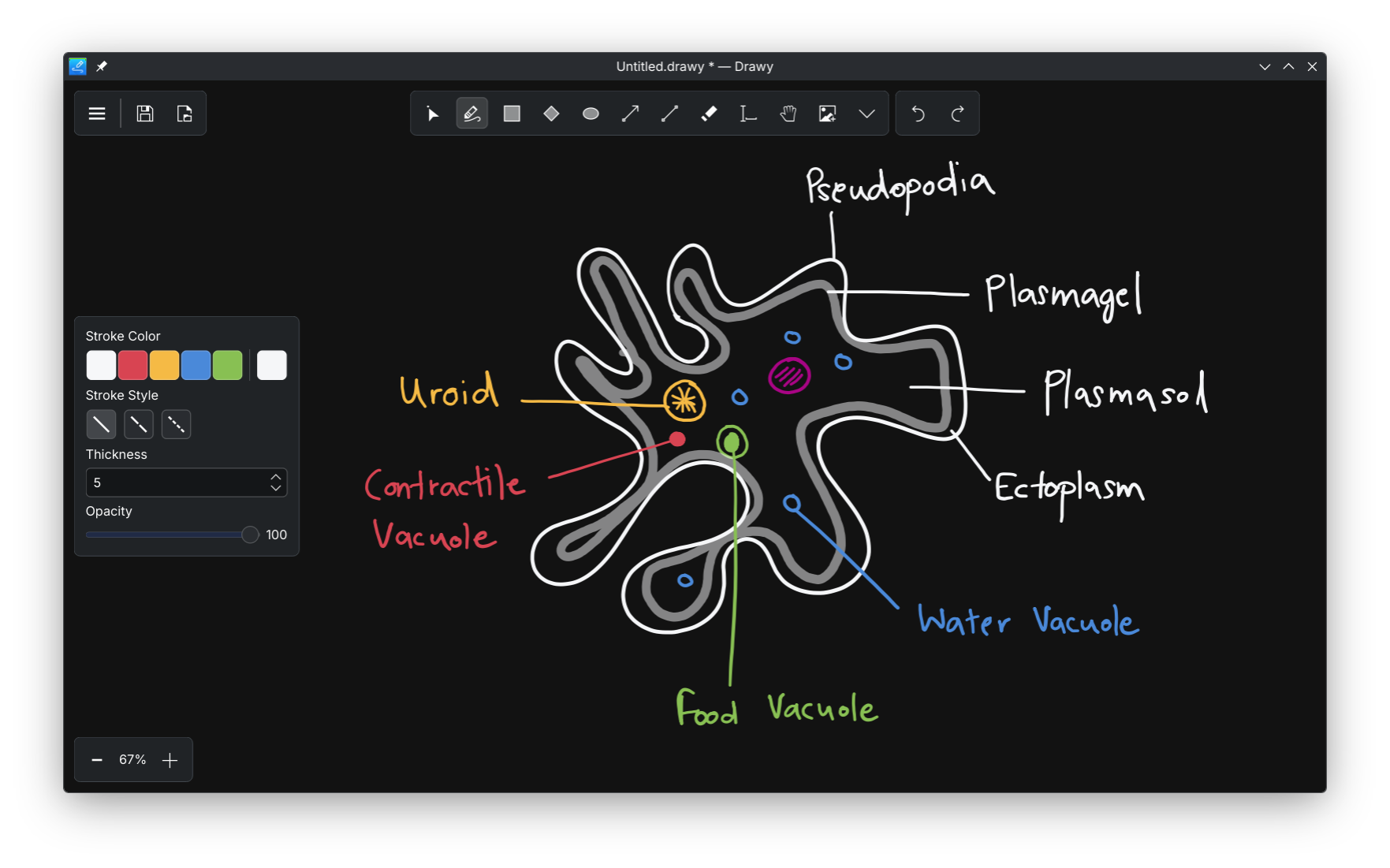 იმუშავეთ შეუფერხებლად სწრაფი და მგრძნობიარე ხელსაწყოებით.
Drawy საშუალებას გაძლევთ, შექმნათ იდეები, დიაგრამები და ვიზუალური შენიშვნები უსასრულო დაფაზე რბილი და მგრძნობიარე ტილოთი. შეგიძლიათ, დახატოთ დაწოლაზე მგრძნობიარე ტაბლეტის მხარდაჭერით, დაამატოთ ტექსტი, ჩასვათ სურათები, და გამოიყენოთ ისეთი მარტივი ფიგურები, როგორიცაა მართკუთხედები, ოვალები და ისრები, რომ მოახდინოთ თქვენი შემცველობის მკაფიო ორგანიზაცია. შეგიძლიათ, აირჩიოთ თქვენი საკუთარი ფერთა პალიტრა და გაიტანოთ თქვენი ნამუშევარი გამოსახულების სახით, როცა ეს დაგჭირდებათ. Drawy აგებულია, რომ დარჩეს სწრაფი და მსუბუქი, რითიც აადვილებს იდეების დაჭერას და თავისუფლად მუშაობას ყურადღების გაფანტვის გარეშე.

Install on
Linux

Releases RSS
1.0.2 2026-06-23
ამ განახლებას თქვენამდე მოაქვს უფრო გლუვი, მორგებადი, თავისუფალი ხატვის გამოცდილება და ასწორებს პრობლემას, სადაც ახლად დახატული ხაზები ციმციმებდა.
- ხელით ხატვა ახლა უფრო უკეთ და ბუნებრივად ჩანს.
- დაემატა პარამეტრები კალმის წნევისა და თქვენი ხაზების სიგლუვის შესაცვლელად.
- ხაზები და მოხაზულობები მათი დახატვის შემდეგ ციმციმს აღარ დაიწყებენ.
1.0.1 2026-05-04
ეს პატარა პაჩია, რომელის აუმჯობესებს ხატულებს, განაახლებს appstream-ის მონაცემებს, რომ ის სწორ მონაცემებს შეიცავდეს და სწორებს რამდენიმე შეცდომას.
1.0.0 2026-05-03
თვეების განმავლობაში მუშაობის შემდეგ, Drawy, როგორც იქნა, გამოვიდა! Drawy საშუალებას გაძლევთ, შექმნათ იდეები, დიაგრამები და ვიზუალური შენიშვნები უსასრულო დაფაზე რბილი და მგრძნობიარე ტილოთი. შეგიძლიათ, დახატოთ დაწოლაზე მგრძნობიარე ტაბლეტის მხარდაჭერით, დაამატოთ ტექსტი, ჩასვათ სურათები, და გამოიყენოთ ისეთი მარტივი ფიგურები, როგორიცაა მართკუთხედები, ოვალები და ისრები, რომ მოახდინოთ თქვენი შემცველობის მკაფიო ორგანიზაცია. შეგიძლიათ, აირჩიოთ თქვენი საკუთარი ფერთა პალიტრა და გაიტანოთ თქვენი ნამუშევარი გამოსახულების სახით, როცა ეს დაგჭირდებათ. Drawy აგებულია, რომ დარჩეს სწრაფი და მსუბუქი, რითიც აადვილებს იდეების დაჭერას და თავისუფლად მუშაობას ყურადღების გაფანტვის გარეშე.
Nightly installers
Drawy nightly installers are also available to download from the KDE CDN. These versions are intended for testing purpose. Get involved and help us make them better!
Unstable version.
Generated from the latest version of the development branch.
- Linux (AppImage)
- Flatpak
Download the flatpakref file and open it with your software center for installation or run the following in a terminal:
flatpak install --user --or-update https://cdn.kde.org/flatpak/drawy-nightly/org.kde.drawy.flatpakref - Windows
- macOS ARM
- macOS Intel