
 Multivide
 macOS
macOS
 Windows
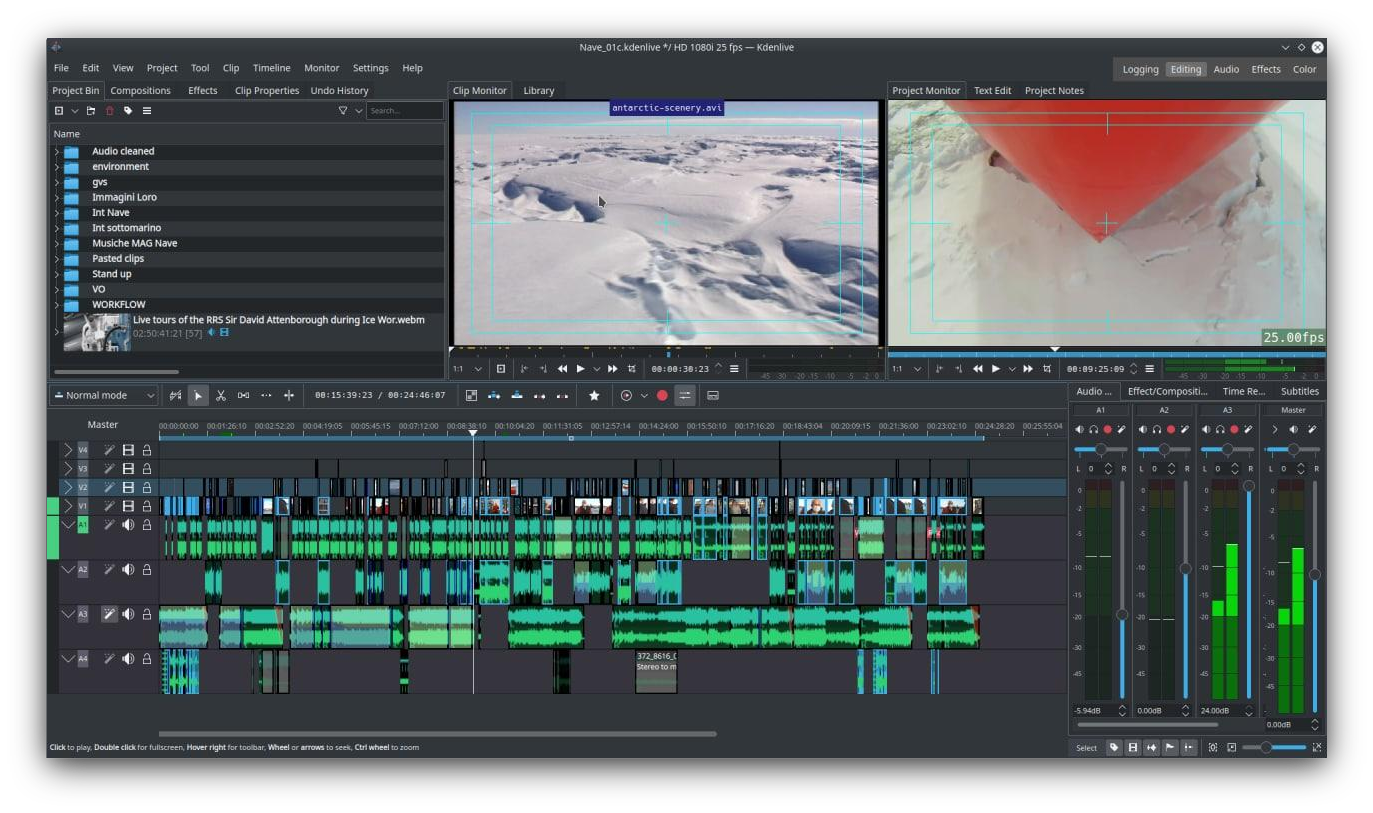 Tumšais motīvs
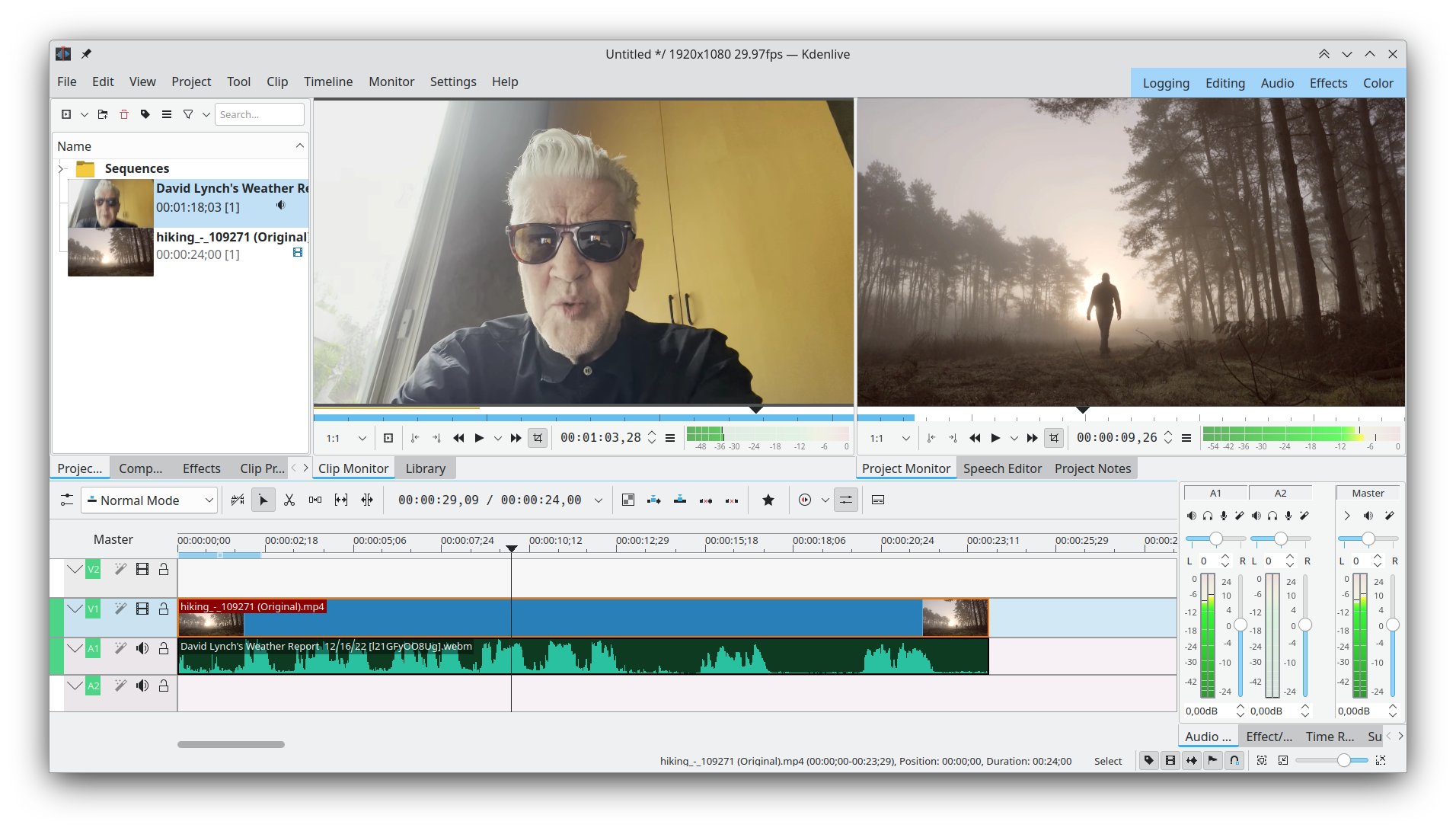 Noklusējuma saskarne
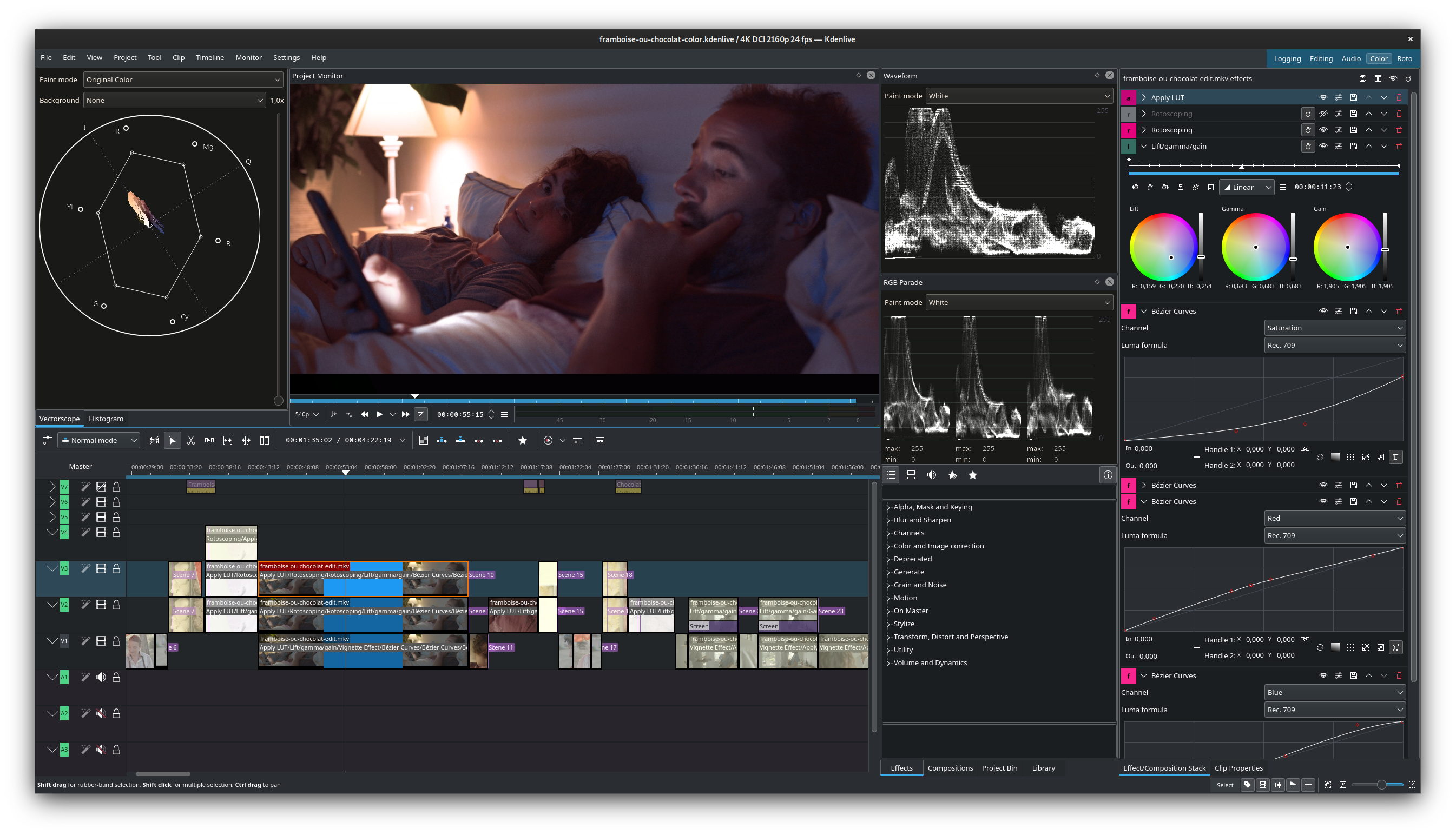 Krāsu korekcija
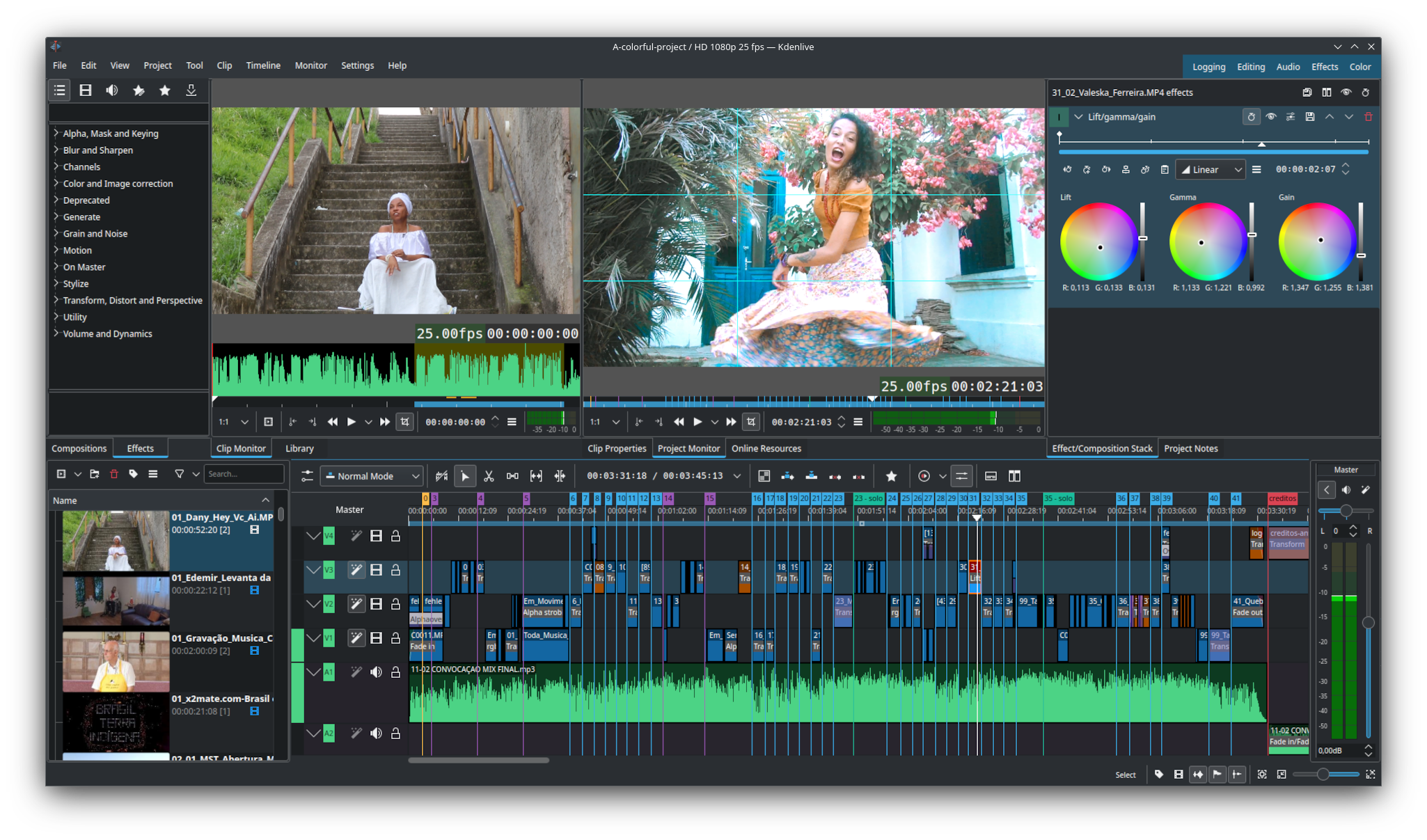 Konfigurējama saskarne
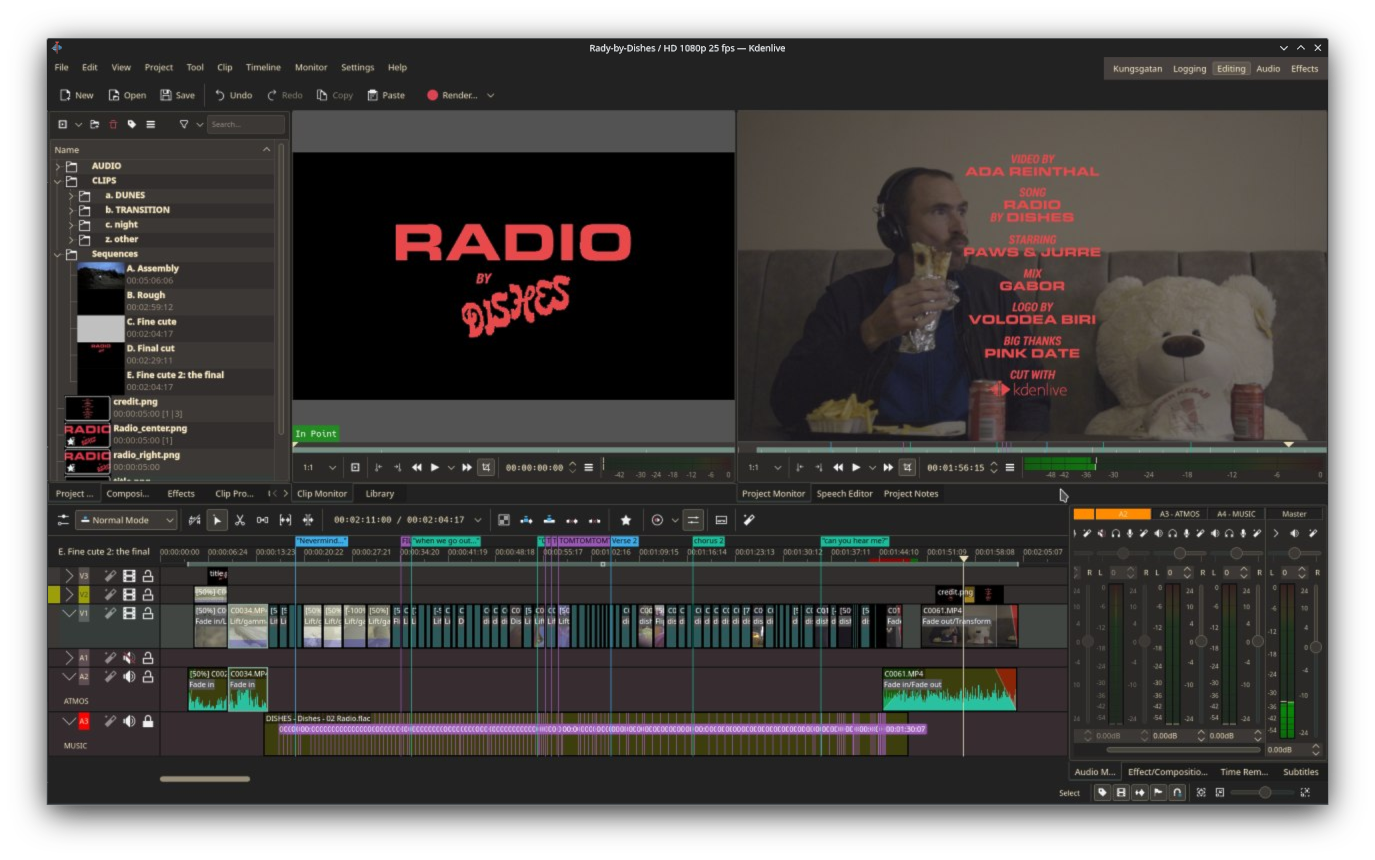 Titri
Titri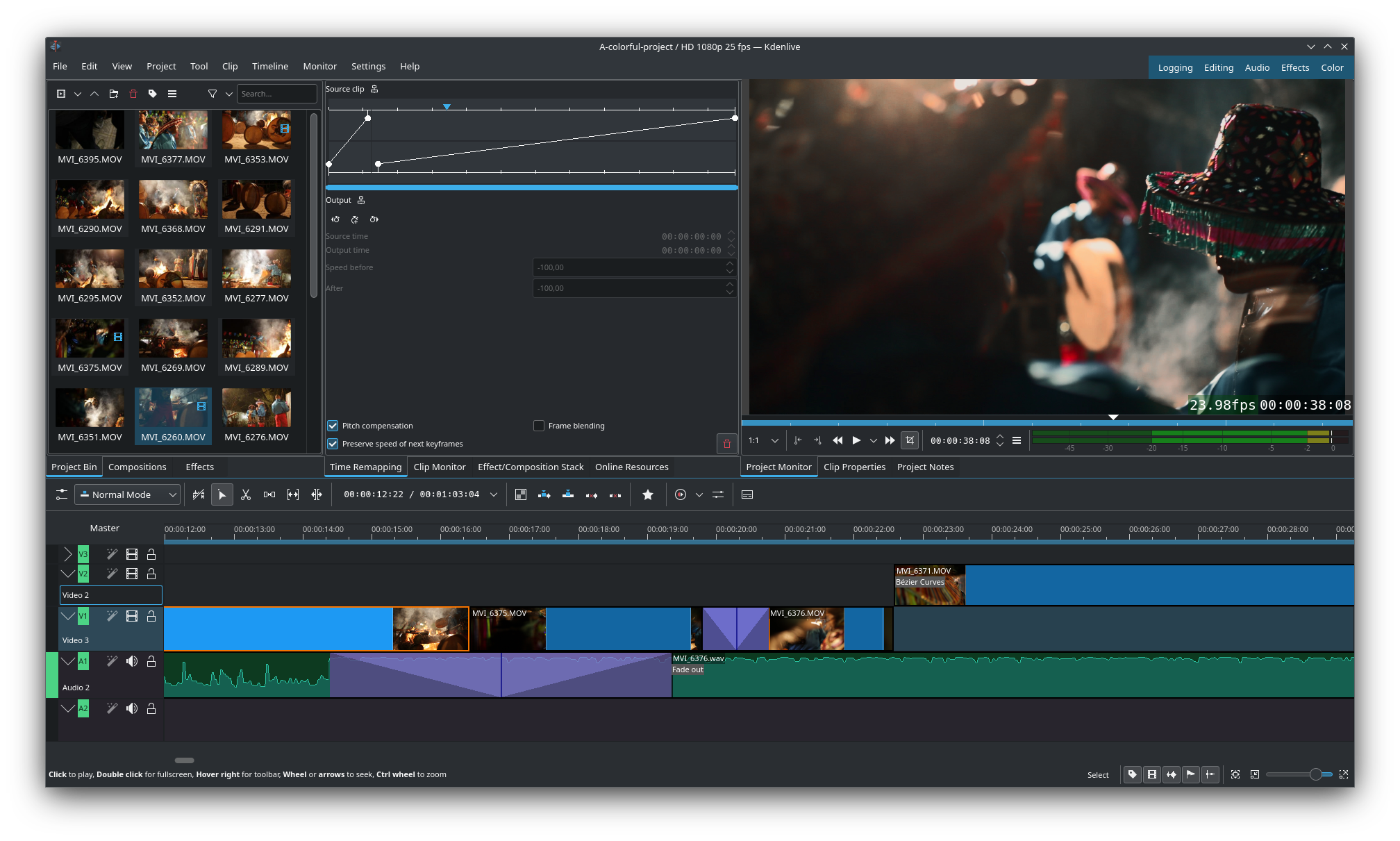 Laika pārkartēšana ar viena celiņa pārejām
„Kdenlive“ ir video rediģēšanas programma ar daudzu audio un video formātu atbalstu. Tā sniedz plašas rediģēšanas iespējas, dažādus efektus un pārejas, krāsu korekcijas iespējas, skaņas pēcapstrādes un subtitru rīkus. Turklāt „Kdenlive“ ļauj renderēt praktiski jebkurā formātā pēc jūsu izvēles.
Iespējas:
- Ievietotas sekvences
- Konfigurējama saskarne un saīsnes
- Tvērumi: histogramma, vektorskops, RGB parāde, viļņformas un audio mērītājs
- Rediģēšana caur starpniekvideo un starpniekattēliem
- Bezmaksas tiešsaistes resursi un veidnes
- Kustību izsekošana
- Mākslīgā intelekta rīki



Releases RSS
26.08.0 2026-08-20
Mostly a bugfix and usability release, here are some of the improvements
- Timeline: allow moving tracks up and down
- Timeline: auto add range markers at gaps
- Timeline: add insert clip using its embeded timecode
- Timeline: add option to return playhead to start position on stop
- Timeline: add option to duplicate clip
- Timeline: allow moving clip markers with the mouse
- Timeline: add option to copy selection to new sequence (without modifying original)
- Timeline: switch default transition to dissolve now that it correctly handles alpha
- Audio mixer: shift click to listen to multiple selected tracks in solo mode
- Effects: add avfilter.curves, allowing to adjust all channels in one effect
- Effects: improve gradientmap filter, allowing up to 32 stops in the gradient
- Titler: add copy/paste of items
- Titler: add snapping to other objects
- Titler: add rectangles with rounded corners
- Titler: when editing a timeline title, allow saving it as a new bin title to easily modify only this one
24.02.1 2024-03-21
This is the first bugfix release for the 24.02 version. Some of the most noteworthy fixes:
- Fix distorted font in some parts of the UI
- Fix crash editing gradients in titler
- Fix adding a mix to a grouped clip could move existing cut
- Fix moving and deleting a single item in a group
- Fix crash in spacer tool with grouped subtitles
- Fix multiple issues on sequence clips (incorrectly saving changes, subtitles not duplicated)
- Fix multiple issues with subtitles (multiple subtitles tracks not correctly saved or displayed)
Nightly installers
Kdenlive nightly installers are also available to download from the KDE CDN. These versions are intended for testing purpose. Get involved and help us make them better!
Unstable version.
Generated from the latest version of the development branch.
- Linux (AppImage)
- Flatpak
Download the flatpakref file and open it with your software center for installation or run the following in a terminal:
flatpak install --user --or-update https://cdn.kde.org/flatpak/kdenlive-nightly/org.kde.kdenlive.flatpakref - Windows
- macOS ARM
- macOS Intel