
KleverNotes
Kategórie: Kancelária
|
Kancelária
|
 Nástroje
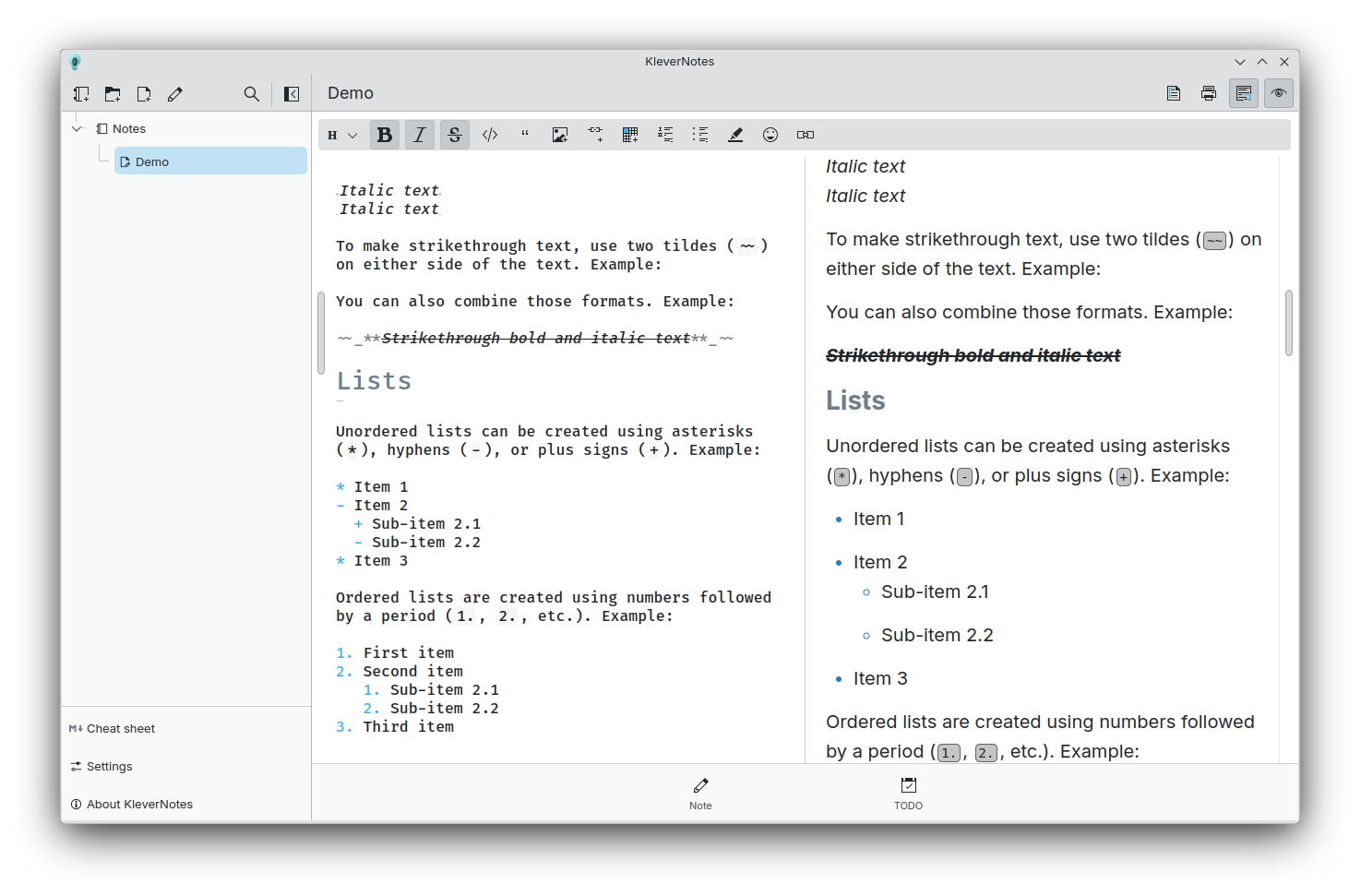 Hlavná stránka na stolnom počítači
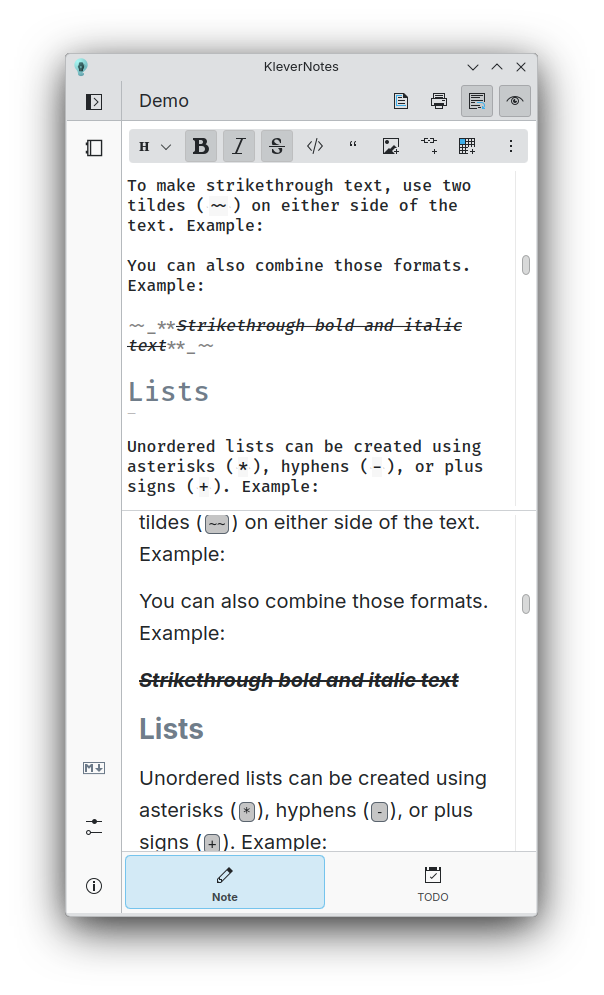 Hlavná stránka na malom displeji
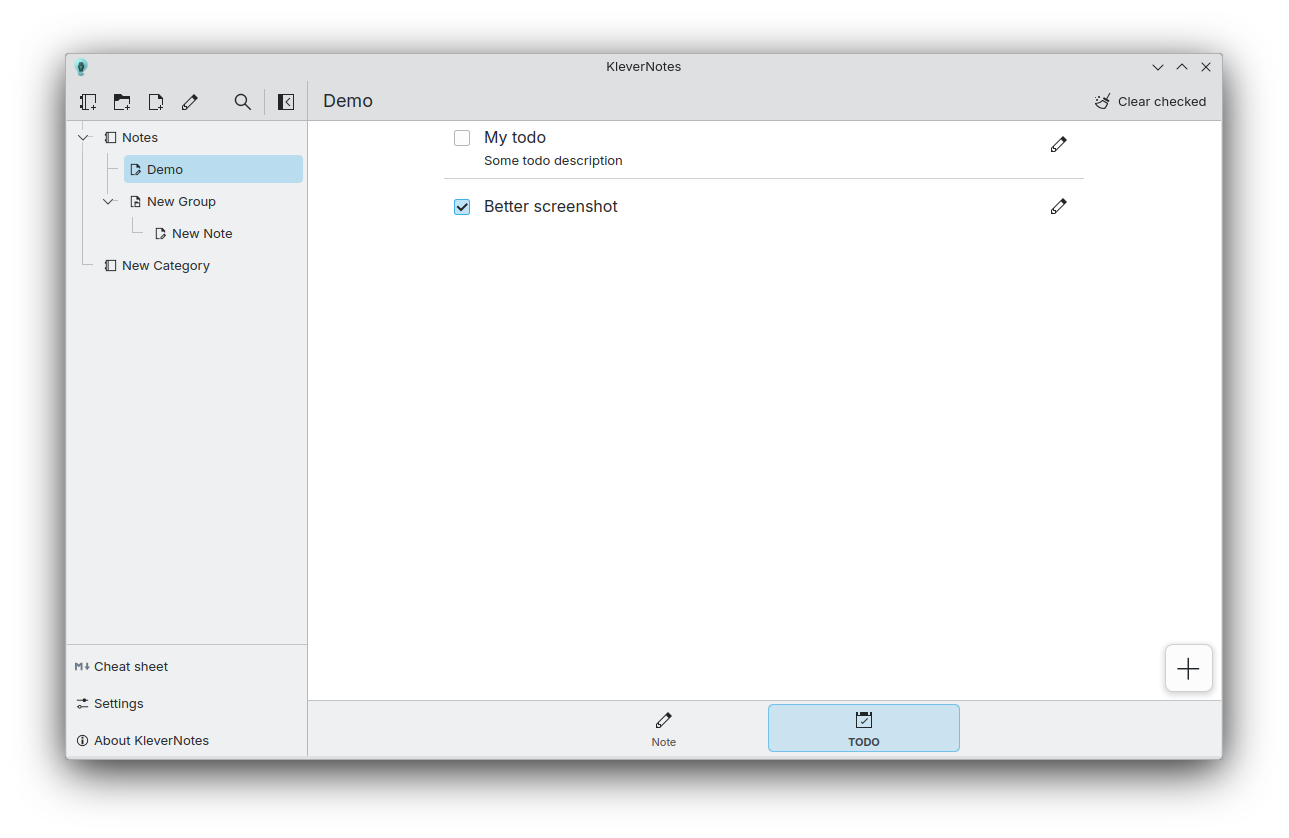 Stránka úloh
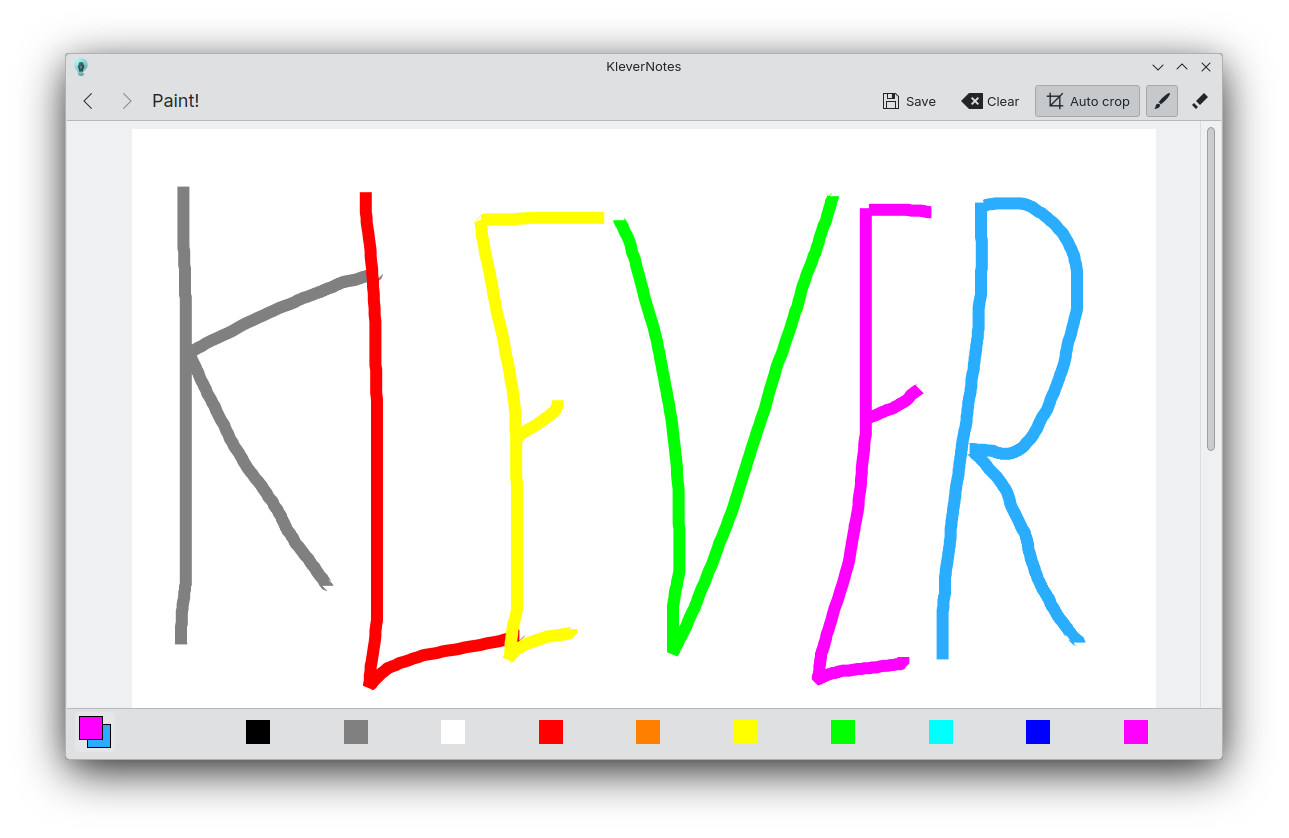 Stránka kreslenia

Vydania RSS
1.3.1 2026-05-08
1.3.0 2026-04-06
md4qt version 5.0.0 has been introduced to KleverNotes, bringing major improvements: Thanks to Igor Mironchik, creator of md4qt.
Possibility to sort note by last modified date: Thanks to Akash Kumar
Possibility to draw perfect circle and square: Thanks to Akash Kumar
Rôzne drobné opravy chýb a vylepšenia.
1.2.5 2025-10-29
Vydanie s opravami chýb:
- Oprava závažného problému so stránkou kreslenia
- Oprava čierneho náhľadu pri strate fokusu aplikácie
- Úprava automatického odsadzovania
1.2.4 2025-09-23
Vydanie s opravami chýb:
- Aktualizácia md4qt (oprava závažného problému)
- Oprava závažného problému so zvýrazňovaním v editore
- Vylepšenie funkcie „automatický zoznam“
1.2.3 2025-08-28
Vydanie s opravami chýb:
- Oprava presúvania položiek do koreňového priečinka
- Oprava triedenia položiek
- Zmena oddeľovača dolného indexu na `--`
- Aktualizácia md4qt (oprava menších a závažných problémov)
- Rôzne drobné opravy chýb
1.2.2 2025-03-24
Vydanie s opravami chýb:
- Oprava pádu pri odstraňovaní poznámky
- Oprava problému s cestou pri presúvaní poznámky
- Nevytvárať súbor úloh, pokiaľ to nie je potrebné
- Zosúladenie štýlu ExpandingFormSwitch so štýlom FormSwitchDelegate
- Vylepšenie dizajnu dialógu presúvania
- Pridanie položiek ťaháku pre rozšírenú syntax
- Aktualizácia md4qt
1.2.1 2025-03-19
Vydanie s opravami chýb:
- Odstránenie požiadavky na názov úložiska (že nemusí byť „klevernotes“)
- Oprava problému s vykreslením bloku kódu s HTML značkou
- Oprava ukladania úloh
- Umožnenie presunu položiek do koreňa úložiska
1.2.0 2025-03-17
Čo je nové:
- New file structure that perfectly reflects what you see in the sidebar. And the possibility to change the color and icon of each items.
- Nová stránka kreslenia s viacerými funkciami
- Tlačidlo kopírovania v bloku kódu
- Nový spodný panel na prepínanie medzi poznámkou a úlohami
- Vylepšená animácia prepínania stránok
Opravy chýb okrem iného vrátane:
- Stlačenie V bez modifikátora s obrázkom v schránke neurobí nič (ako má byť)
- Zabránenie pomenovaniu položky znakom '/', pretože by sa vytvoril priečinok
- Rôzne problémy s vykreslením
1.1.0 2024-10-07
KleverNotes 1.1.0 is finally available! KleverNotes is the Markdown note-taking app from KDE. For 3 months, I have been working hard to add new features while improving the app and fixing some bugs.
KleverNotes parser has been switched to md4qt:
md4qt is a header-only C++ library for parsing Markdown.
md4qt supports CommonMark 0.31.2 Spec, and some GitHub extensions, such as tables, footnotes, tasks lists, strikethroughs, LaTeX Math injections, GitHub's autolinks.
It is fast, repliable, customizable and easy to use. A perfect match !
The toolbar is now more precise for removing specific Markdown tags but also to apply them.
On top of that, the toolbar now shows you which tags are already applied on the text under the cursor or the selected text.
The editor has also gained some interesting features. Block tab/untab support and automatic addition of list items are now more reliable, but you now also have the ability to add an html break before a new line with `Shift + Enter` or a horizontal ruler using `Alt + Enter`.
- The parsing is now done on a separated thread, so parsing very large notes should still be smooth !
- The rendering is now disabled if the preview is disabled, saving some resources !
- Using the toolbar will now add or remove text in a single undo block, no more double/triple `Ctrl+Z` to go back to your previous state.
The editor now has the ability to be "WYSIWYG".
By default, the markdown tags will be smaller than the rest of text by 50%, this can of course be tweaked in the settings.
Those tags will regain their normal sizes based on the cursor position/selected text. This way, you're able to see which tag is responsible for a style.
1.0.0 2024-06-05
KleverNotes, KDE's Markdown note-taking and management application using Kirigami, is ready for its first release!
KleverNotes allows you to create and preview a Markdown note while giving you the freedom to customize the preview from settings or using a CSS theme. You can organize your notes however you want with a combination of categories and groups, which will be directly reflected on your system in the hierarchy of your KleverNotes storage folders. Simply choose your storage location and you're ready to write!
You can print your notes, add small sketches and even create specific tasks for each of them, all from the application!
Notes are saved as Markdown files in your KleverNotes storage for easy access. They support the entire CommonMark specification with extensive syntax. KleverNotes also introduces a small collection of opt-in “plugins” to extend basic markdown features, such as: code highlighting, note linking, quick emoji, etc.