
Akıllı Notlar
Kategoriler: Ofis
|
Ofis
|
 İzlenceler
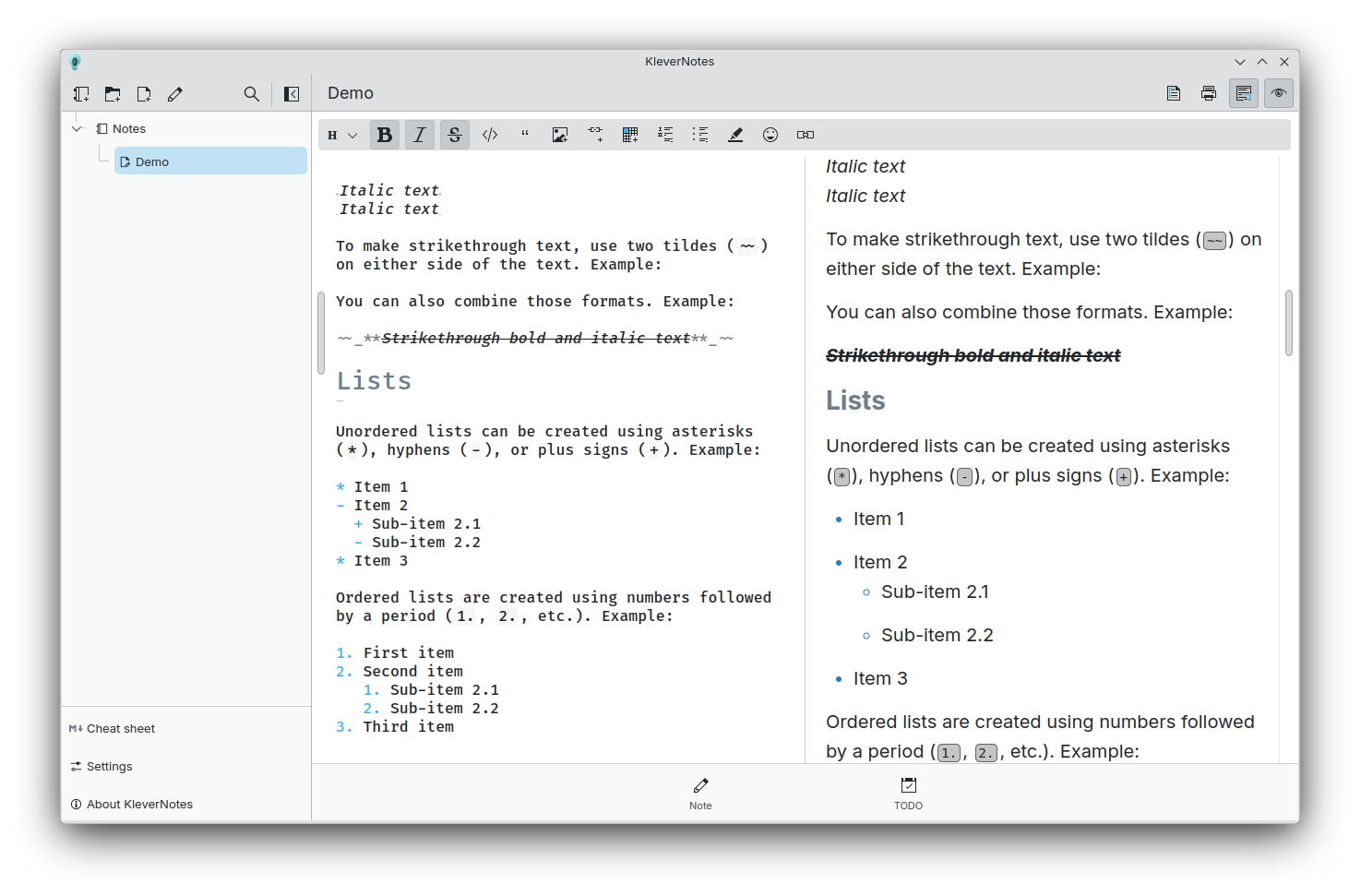 Masaüstü bilgisayarda ana sayfa görünümü
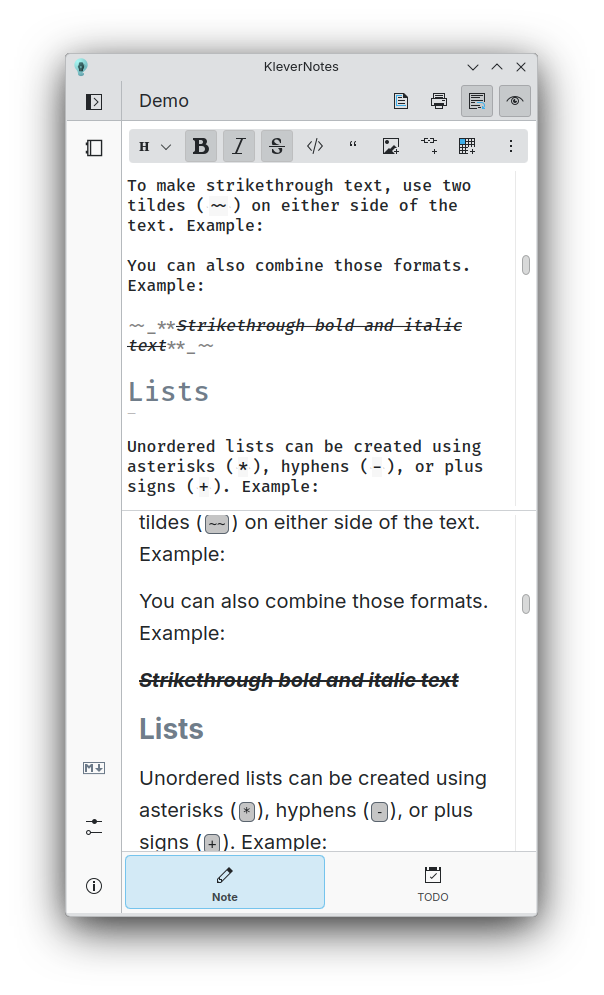 Küçük biçimde ana sayfa
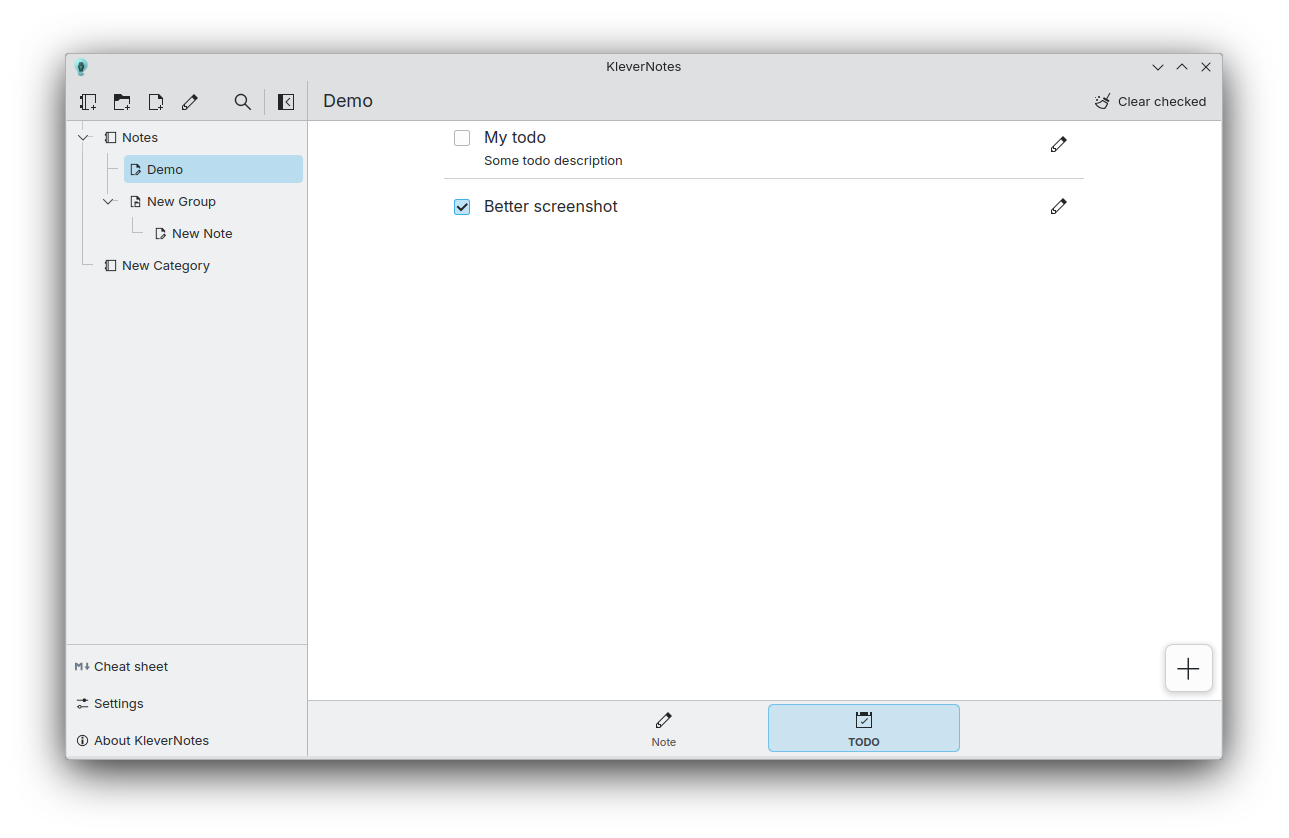 Yapılacaklar sayfası
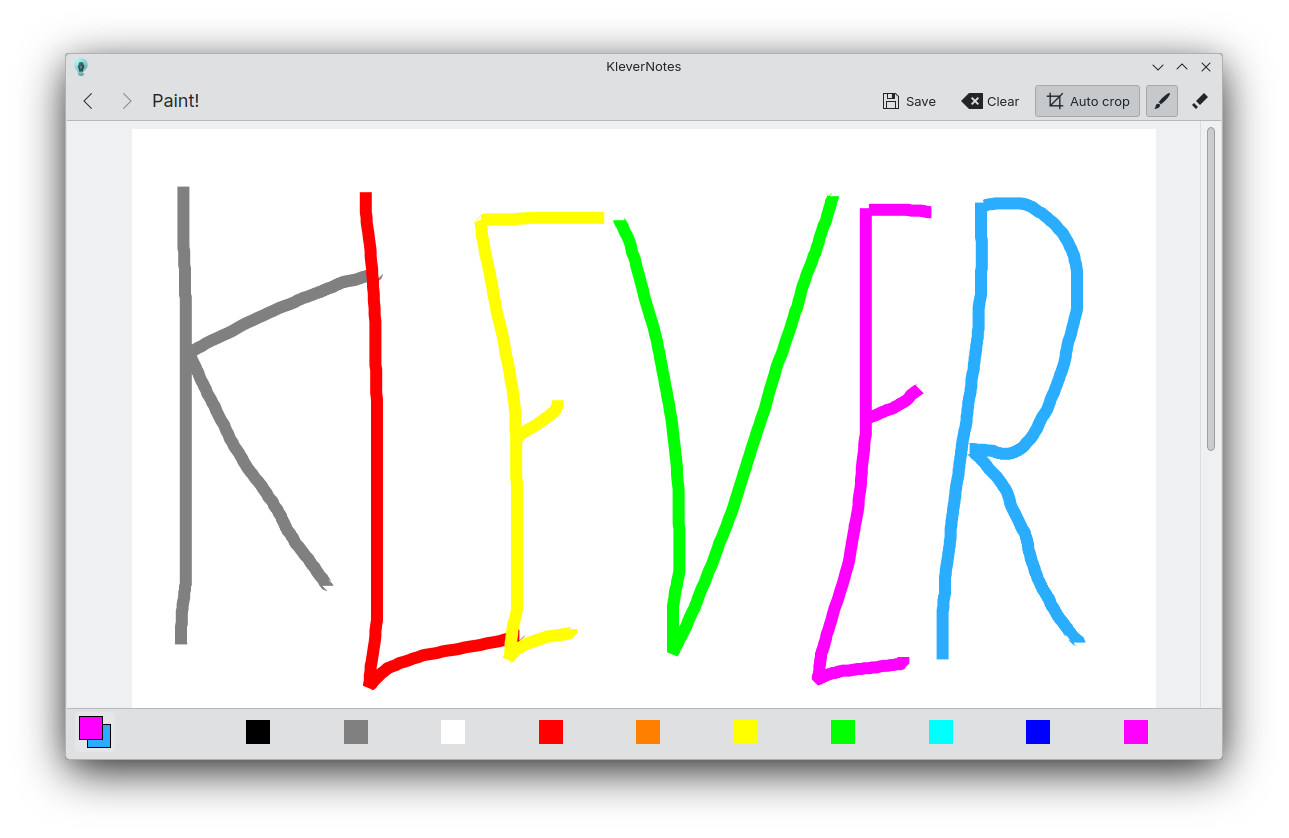 Çizim sayfası

Sürümler RSS
1.3.1 2026-05-08
1.3.0 2026-04-06
md4qt 5.0.0 sürümü Akıllı Notlar’a tümleştirildi ve bu sayede büyük iyileştirmelere kavuştu: md4qt’nin yaratıcısı olan İgor Mironçik’e çok teşekkürler.
Notları son değiştirilme tarihine göre sıralama özelliği: Akaş Kumar’a teşekkürler
Mükemmel daireler ve kareler çizme olanağı: Akaş Kumar’a teşekkürler
Çeşitli hata düzeltmeleri ve iyileştirmeler
1.2.5 2025-10-29
Hata düzeltme yayımı:
- Boyama sayfasındaki büyük sorunlar giderildi.
- Uygulama odağı kaybettiğinde önizlemenin kararması sorunu giderildi.
- Kendiliğinden girintilemeye ince ayar çekildi.
1.2.4 2025-09-23
Hata düzeltme yayımı:
- md4qt güncellendi.
- Düzenleyicideki ana vurgulama sorunu onarıldı.
- “Otomatik liste” özelliği iyileştirildi.
1.2.3 2025-08-28
Hata düzeltme yayımı:
- Ögeleri kök klasöre taşıma onarıldı.
- Ögeleri sıralama onarıldı.
- Alt simge sınırlayıcısı “--” olarak değiştirildi.
- md4qt güncellendi.
- Çeşitli hata düzeltmeleri ve iyileştirmeler
1.2.2 2025-03-24
Hata düzeltme yayımı:
- Not silerken oluşan çökme giderildi.
- Notu taşırken oluşan yol sorunu giderildi.
- Gerekli değilse yapılacak dosyasını oluşturma
- ExpandingFormSwitch biçemini FormSwitchDelegate olarak değiştir
- Taşıma iletişim kutusu tasarımı iyileştirildi.
- Genişleyen sözdizimi için kopya kâğıdı girdileri eklendi.
- md4qt güncellendi.
1.2.1 2025-03-19
Hata düzeltme yayımı:
- Depolama adı için “klevernotes” zorunluluğu kaldırıldı.
- HTML künyesiyle olan kod görüntüleme sorunu giderildi.
- Yapılacak kaydı onarıldı.
- Ögelerin depolama kök düzeyine taşınmasına artık izin veriliyor.
1.2.0 2025-03-17
Neler yeni:
- New file structure that perfectly reflects what you see in the sidebar. And the possibility to change the color and icon of each items.
- New drawing page with more features
- Copy button inside block of code
- New bottom bar to switch between note and todos
- Improved page switching animation
Bug fixes including but not limited to:
- Pressing V without any modifier while having an image in the clipboard do nothing (as it should)
- Prevent naming item with a '/' since it would create a directory
- Çeşitli sunma sorunları düzeltmeleri
1.1.0 2024-10-07
KleverNotes 1.1.0 is finally available! KleverNotes is the Markdown note-taking app from KDE. For 3 months, I have been working hard to add new features while improving the app and fixing some bugs.
KleverNotes parser has been switched to md4qt:
md4qt is a header-only C++ library for parsing Markdown.
md4qt supports CommonMark 0.31.2 Spec, and some GitHub extensions, such as tables, footnotes, tasks lists, strikethroughs, LaTeX Math injections, GitHub's autolinks.
It is fast, repliable, customizable and easy to use. A perfect match !
The toolbar is now more precise for removing specific Markdown tags but also to apply them.
On top of that, the toolbar now shows you which tags are already applied on the text under the cursor or the selected text.
The editor has also gained some interesting features. Block tab/untab support and automatic addition of list items are now more reliable, but you now also have the ability to add an html break before a new line with `Shift + Enter` or a horizontal ruler using `Alt + Enter`.
- The parsing is now done on a separated thread, so parsing very large notes should still be smooth !
- The rendering is now disabled if the preview is disabled, saving some resources !
- Using the toolbar will now add or remove text in a single undo block, no more double/triple `Ctrl+Z` to go back to your previous state.
The editor now has the ability to be "WYSIWYG".
By default, the markdown tags will be smaller than the rest of text by 50%, this can of course be tweaked in the settings.
Those tags will regain their normal sizes based on the cursor position/selected text. This way, you're able to see which tag is responsible for a style.
1.0.0 2024-06-05
KleverNotes, KDE's Markdown note-taking and management application using Kirigami, is ready for its first release!
KleverNotes allows you to create and preview a Markdown note while giving you the freedom to customize the preview from settings or using a CSS theme. You can organize your notes however you want with a combination of categories and groups, which will be directly reflected on your system in the hierarchy of your KleverNotes storage folders. Simply choose your storage location and you're ready to write!
You can print your notes, add small sketches and even create specific tasks for each of them, all from the application!
Notes are saved as Markdown files in your KleverNotes storage for easy access. They support the entire CommonMark specification with extensive syntax. KleverNotes also introduces a small collection of opt-in “plugins” to extend basic markdown features, such as: code highlighting, note linking, quick emoji, etc.