
 辦公軟體
辦公軟體
 實用工具
實用工具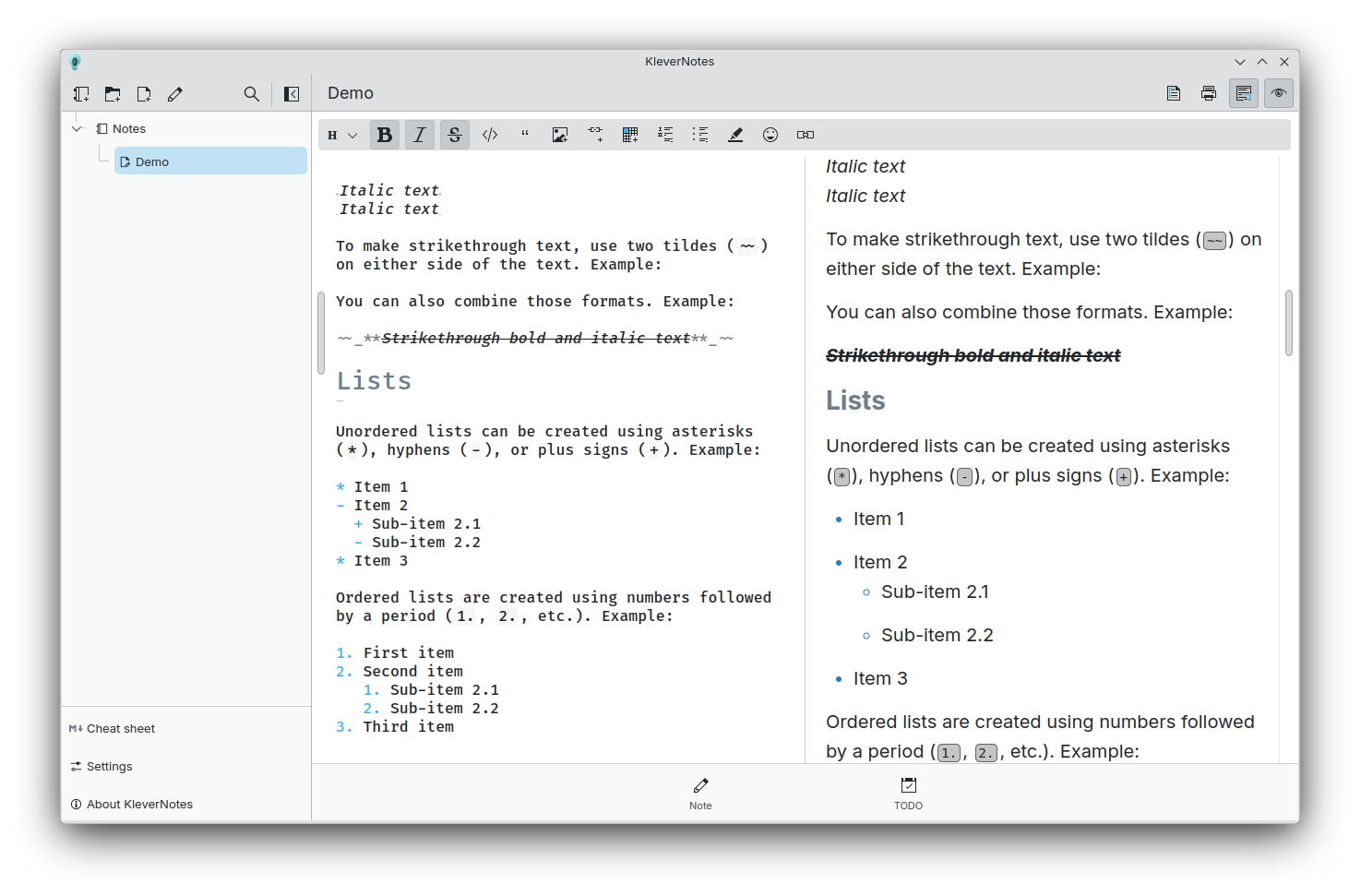 桌電上的主頁面
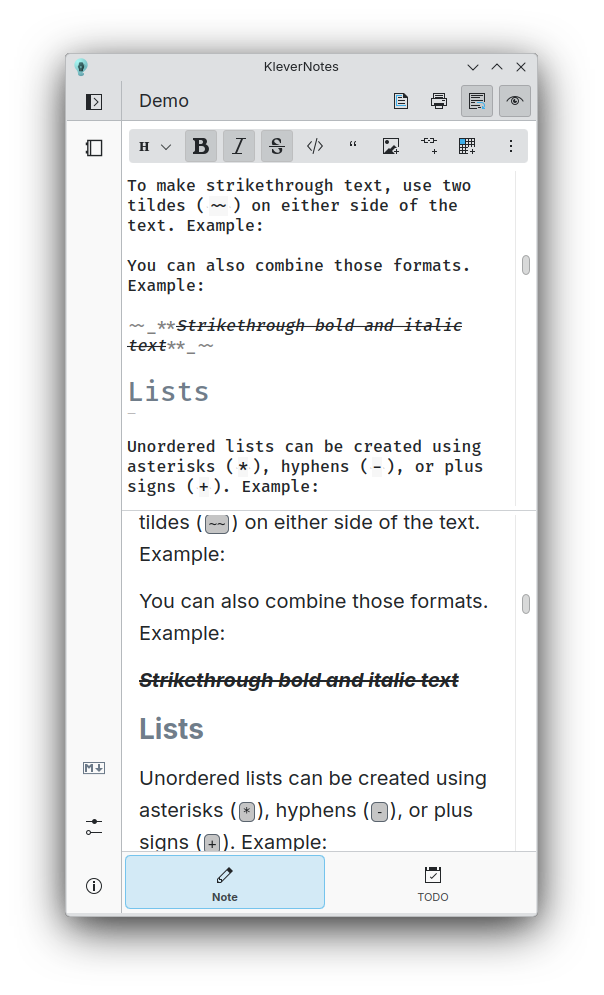 小螢幕模式的主頁面
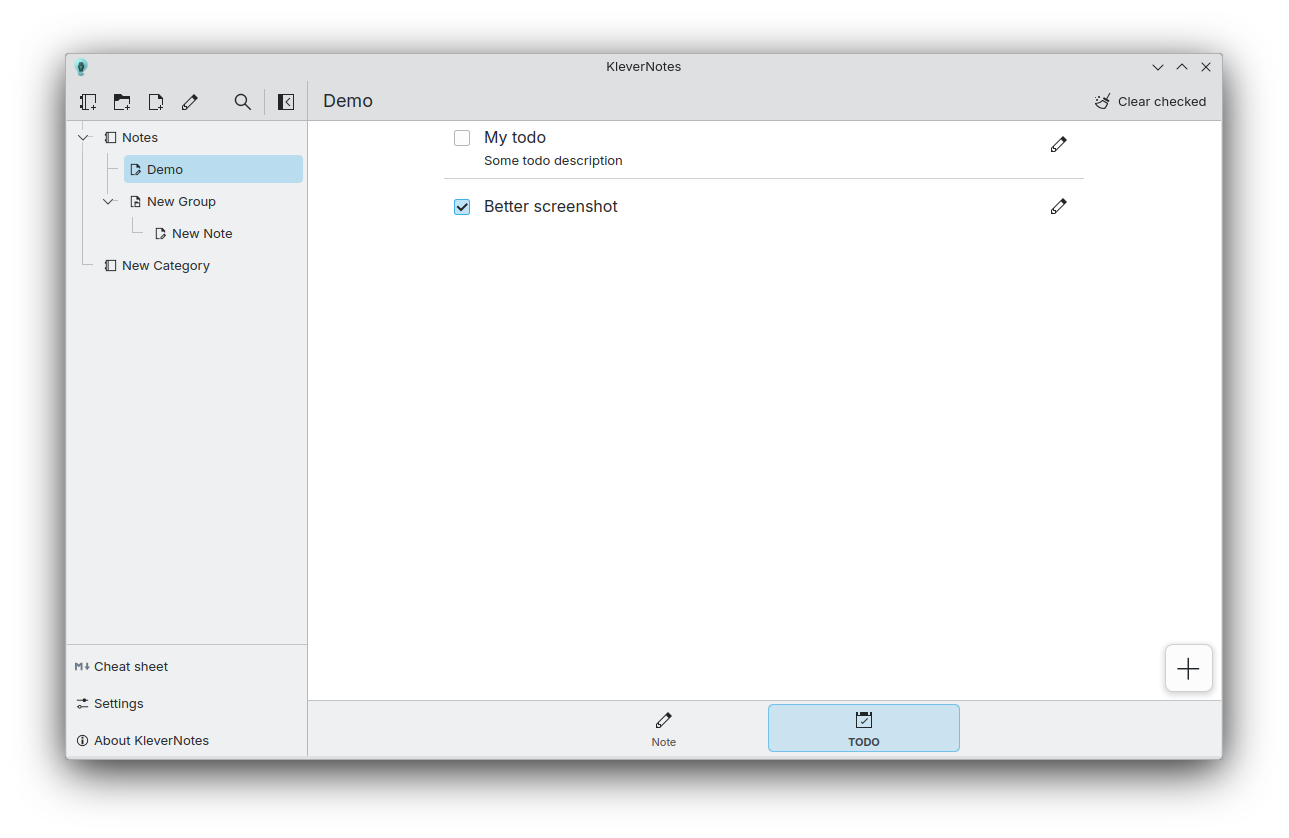 待辦事項頁面
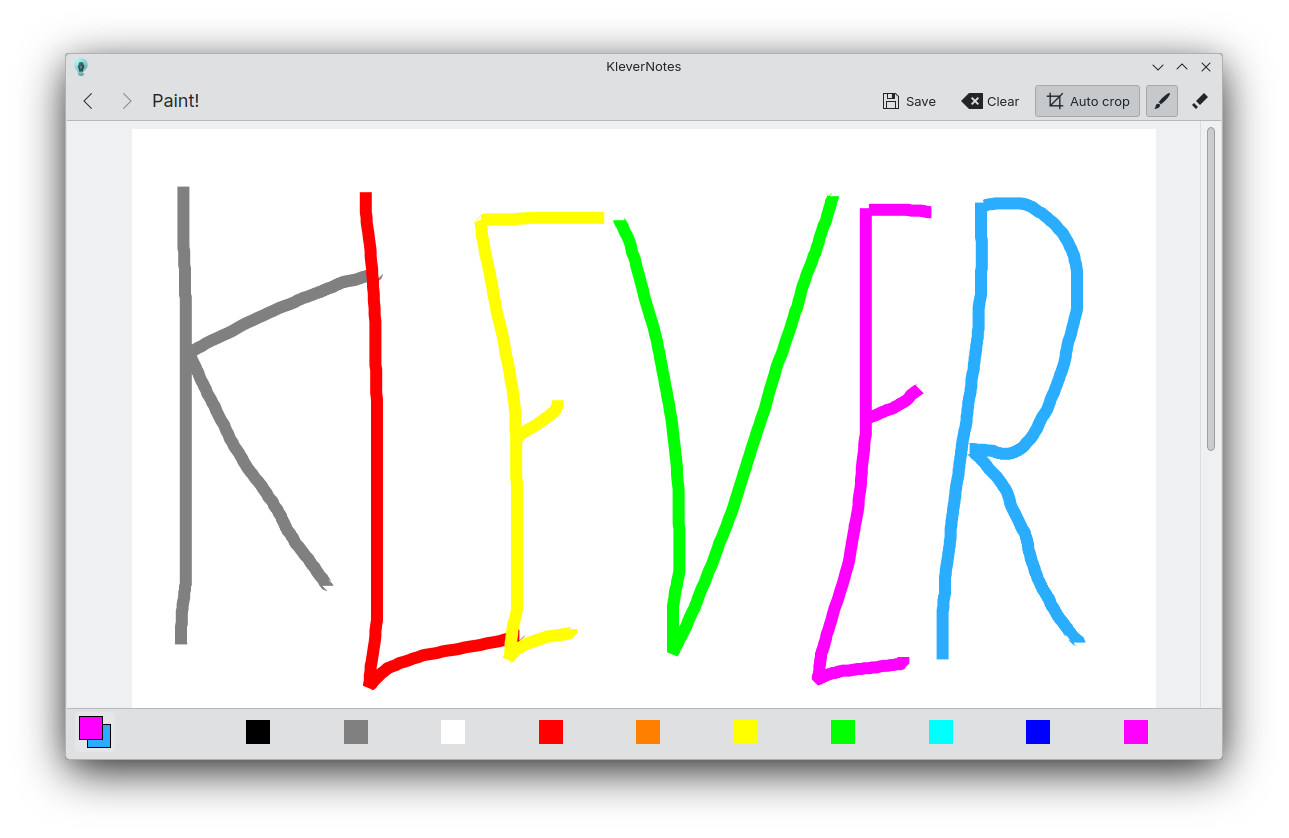 繪圖頁面
繪圖頁面

釋出版本 RSS
1.3.1 2026-05-08
1.3.0 2026-04-06
KleverNotes 現使用 md4qt 5.0.0 版,這個版本帶來許多大幅度的改善。感謝 Igor Mironchik,也就是 md4qt 的作者本人。
用最後修改日期排序筆記的功能:感謝 Akash Kumar
繪製完美圓形與正方形的功能:感謝 Akash Kumar
許多小幅度錯誤修正與改進。
1.2.5 2025-10-29
錯誤修正釋出:
- 修正繪圖頁面的嚴重問題
- 修正應用程式喪失焦點時預覽會變黑的問題
- 調整自動縮排
1.2.4 2025-09-23
錯誤修正釋出:
- 更新 md4qt (修正大問題)
- 修正嚴重的編輯器語法突顯問題
- 改善「自動列表」功能
1.2.3 2025-08-28
錯誤修正釋出:
- 修正項目移動到根資料夾
- 修正項目排序
- 將下標分隔符改為 `--`
- 更新 md4qt(修正一些大小問題)
- 許多小問題修正
1.2.2 2025-03-24
錯誤修正釋出:
- 修正刪除筆記時的崩潰
- 修正移動筆記時路徑的問題
- 沒有必要的時候不要建立待辦事項檔案
- 讓 ExpandingFormSwitch 風格與 FormSwitchDelegate 風格一致
- 改善移動對話框設計
- 在備忘表加入擴張語法的項目
- 更新 md4qt
1.2.1 2025-03-19
錯誤修正釋出:
- 不再限制儲存庫名稱必須是 "klevernotes"
- 修正程式碼區塊有 HTML 標籤時會繪製錯誤的問題
- 修正待辦事項的儲存
- 讓項目可以移動到儲存庫的根
1.2.0 2025-03-17
新功能:
- 新的檔案結構,現在它完全符合您在側邊欄所看到的結構。另外也新增改變各個項目的色彩與圖示的功能。
- 功能更多的新繪圖頁面
- 程式碼區塊裡提供複製按鈕
- 新的底部列,提供筆記與待辦事項的切換
- 改善頁面切換動態效果
錯誤修正:
- 修正剪貼簿裡有影像時按下 V(無修飾鍵)會有不合理的動作的問題
- 防止在項目名稱裡包含 '/',因為那會變成建立目錄
- 一些算繪問題
1.1.0 2024-10-07
KleverNotes 1.1.0 is finally available! KleverNotes is the Markdown note-taking app from KDE. For 3 months, I have been working hard to add new features while improving the app and fixing some bugs.
KleverNotes parser has been switched to md4qt:
md4qt is a header-only C++ library for parsing Markdown.
md4qt supports CommonMark 0.31.2 Spec, and some GitHub extensions, such as tables, footnotes, tasks lists, strikethroughs, LaTeX Math injections, GitHub's autolinks.
It is fast, repliable, customizable and easy to use. A perfect match !
The toolbar is now more precise for removing specific Markdown tags but also to apply them.
On top of that, the toolbar now shows you which tags are already applied on the text under the cursor or the selected text.
The editor has also gained some interesting features. Block tab/untab support and automatic addition of list items are now more reliable, but you now also have the ability to add an html break before a new line with `Shift + Enter` or a horizontal ruler using `Alt + Enter`.
- The parsing is now done on a separated thread, so parsing very large notes should still be smooth !
- The rendering is now disabled if the preview is disabled, saving some resources !
- Using the toolbar will now add or remove text in a single undo block, no more double/triple `Ctrl+Z` to go back to your previous state.
The editor now has the ability to be "WYSIWYG".
By default, the markdown tags will be smaller than the rest of text by 50%, this can of course be tweaked in the settings.
Those tags will regain their normal sizes based on the cursor position/selected text. This way, you're able to see which tag is responsible for a style.
1.0.0 2024-06-05
KleverNotes, KDE's Markdown note-taking and management application using Kirigami, is ready for its first release!
KleverNotes allows you to create and preview a Markdown note while giving you the freedom to customize the preview from settings or using a CSS theme. You can organize your notes however you want with a combination of categories and groups, which will be directly reflected on your system in the hierarchy of your KleverNotes storage folders. Simply choose your storage location and you're ready to write!
You can print your notes, add small sketches and even create specific tasks for each of them, all from the application!
Notes are saved as Markdown files in your KleverNotes storage for easy access. They support the entire CommonMark specification with extensive syntax. KleverNotes also introduces a small collection of opt-in “plugins” to extend basic markdown features, such as: code highlighting, note linking, quick emoji, etc.